 Add us as a preferred source on Google
Have you ever tried to build a complete website using python even if you are not a full-stack developer? Well, you are not alone. Many developers learn Python for automation, data analysis, or machine learning, but when it comes to web development, they often assume they need to switch to an entirely different tech stack.
The reality is quite different because Python powers thousands of modern websites through powerful frameworks that allow developers to handle routing, databases, and server logic. According to W3Techs, in 2026, Python is used on approximately 1.2% of all websites.
If you are searching for how to build website with Python, this guide will walk you through the entire process step by step. You will learn key features and understand the website building process and the cost to build a website using Python.
What is Python and Why It Is Used for Web Development?
Python is a high-level, interpreted, general-purpose language, which means it’s easy to read and write, with a simple syntax. Python was created by a man named Guido van Rossum in 1991. It’s used for a variety of different applications, including data science, artificial intelligence, as well as software and web development. With the help of its easy-to-read syntax, Python helps in fast coding with ease, which reduces the time required to write the code.
Things You Need Before Building a Website with Python
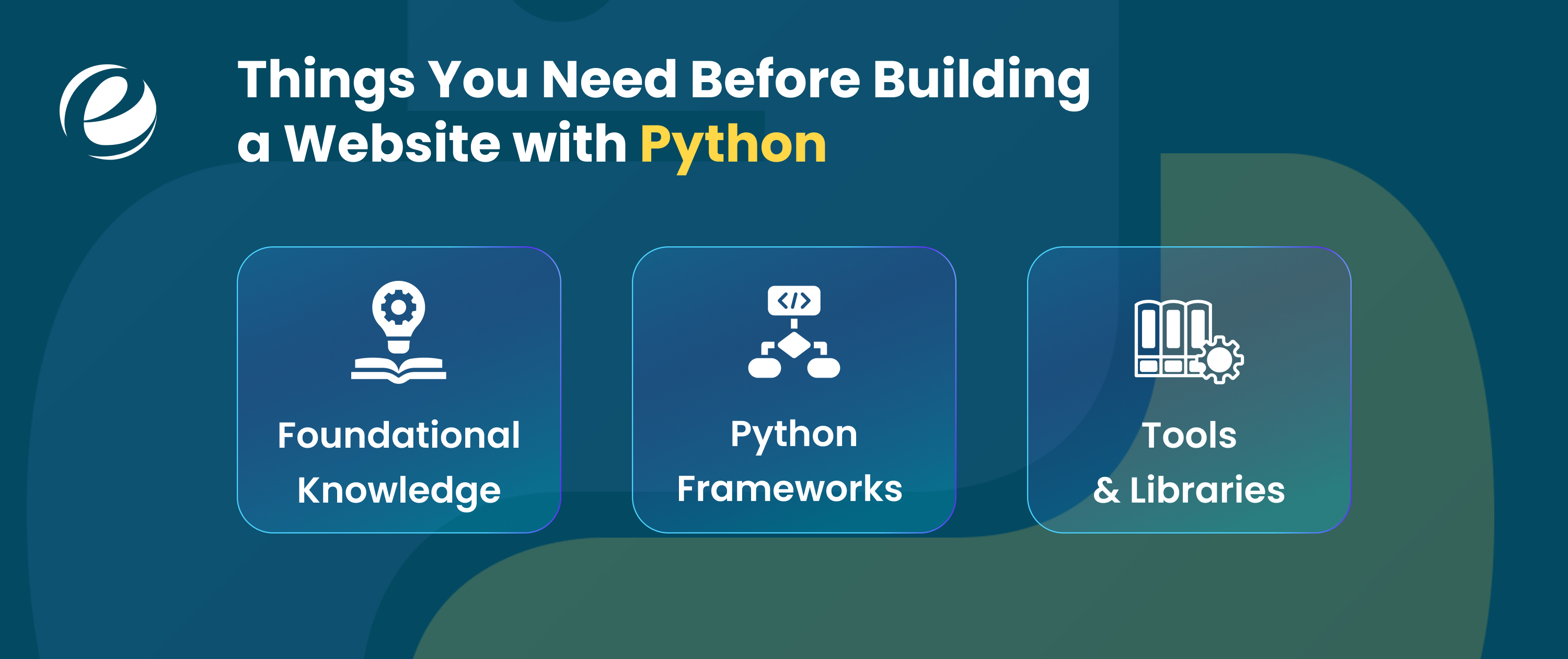
When you are building websites with Python, it is much easier when you have the core knowledge about the right tools and libraries. Here are some crucial skills that you must have to build website with python:
Foundational Knowledge
- Web fundamentals: Python handles the backend, but the frontend is built using the standard web languages, including HTML, CSS, and JavaScript.
- Programming basics: It must include a solid understanding of the fundamentals of Python programming, which includes data structure, variables, loops, and functions.
- Database Knowledge: If your website needs to store information, then you must know some basic knowledge of the database language, like PostgreSQL and MySQL.
Python Frameworks
- Django: It is a full-stack framework that is used to develop secure and scalable applications. It includes an ORM, an admin panel, and authentication and security features.
- Flask: A flexible microframework that allows developers to choose their own libraries. It is built on the Werkzeug toolkit and Jinja2 templating engine.
- FastAPI: This framework is used for building APIs that can use Python type hints for automatic data validation and interactive documentation.
These are the things you should know before starting to build website with Python.
Important Features Every Python Website Should Have
When developing a website using Python, having a strong understanding of key features is just as important as writing clean code. Here are some important features that every Python website must have:
Powerful Web Frameworks
Python has powerful frameworks like Django and Flask, which provide tools to route, authenticate, manage databases, and offer security.
Database Management
Your python websites must use databases like PostgreSQL and MySQL to manage data and frameworks of the Python codes.
Security Features
Every Python website must have security features to avoid risks like SQL injection, cross-site scripting, and cross-site request forgery.
Scalability
This application can scale well using cloud hosting and load balancing. The code is also optimized to run well with multiple users.
Testing and Quality Assurance
Python has strong testing features, which allow developers to check whether their application is working correctly.
Deployment and Hosting
Most Python websites are deployed using tools like Gunicorn and uWSGI along with Nginx.
So, if your website includes these features, there is a high chance it will boost user engagement. If you want to build a website from scratch with Python as a beginner, make sure to include these features.
How to Build Website With Python: Step by Step

Now, you will learn to build website with Python with the help of a framework like Flask or Django. Here is a step-by-step process:
Step 1: Choose Your Web Frameworks
- Flask: A micro framework that is best for simple websites or learning web development basics due to its light weight and minimal configurations.
- Django: It is a full-featured framework that includes an admin panel, database integration and an object-relational mapper (ORM) by default.
Step 2: Set Up Your Project
Before you start writing the code, create a folder on your computer for your website project. Below are the basic steps:
- Make sure you have the latest version of Python.
- Use pip (python’s package manager) to install the appropriate framework for your project.
- Create a virtual environment to keep your project dependencies separate from the other projects.
Step 3: Create a Basic Web Application
In this step you have to create a Python file. For that you can add a basic code to run a local server. Here is an example:
Flask Exampe (in app.py):
from flask import Flask
app = Flask(__name__)
@app.route(‘/’)
def hello_world():
return ‘Hello, World!’
if __name__ == ‘__main__’:
app.run(debug=True)
Run the website:
python app.py
Open Browser:
http//127.0.0.1:5000
Step 4: Add Templates and Routes
You can also separate the logic and display of your application using a template, as explained in Jinja2 documentation.
- Templates: You should create a folder called ‘templates’ in your project folder. Then you can put all of your HTML files inside this folder.
- Routes: You can define different URLs and functions that display the required content using decorators in Flask (@app.route()) or urls.py in Django.
Step 5: Add a Database
The web applications sometimes require a database for persistent storage, which is done when you are adding a database.
- Choose a Database: The database you are using could be SQLite, PostgreSQL, or MySQL.
- Integrate: The integration of a database is done using a tool like SQLAlchemy in Flask and a built-in ORM system in Django.
- Migrate: The migration of a database is done using migration commands.
Step 6: Deploy Your Web Application
Deploying puts your application live on the internet.
- Choose a Platform: Your options are cloud platforms like Heroku, Digital Ocean, or Python Anywhere.
- Prepare: You should create a requirements.txt document listing all the dependencies required by your project (this is usually done using pip freeze > requirements.txt). The platform will have instructions on uploading your project.
- Go Live: Your application will have a URL provided by the platform once it is deployed.
So, if you take help from the above process, you can easily generate a website using Python. If you want any guidance related to python for mobile app development you can check out the comprehensive guide.
How to Deploy a Python Website?
If you are a Python developer, then you know that deploying that website is a crucial step that takes your application from a local development environment to a publicly accessible platform. Below, you will learn how to deploy your Python website easily:
Prepare your application
Firstly, you have to make sure that the code works locally and that it is properly structured for deployment. It often involves using a web framework, like Flask, Django, or FastAPI.
Manage Dependencies
To manage the dependencies, you must use a requirements.txt file to list all the necessary Python libraries so the server can install them easily.
Choose a Hosting Provider
Select a platform that fits your needs to build website with Python. Below are some of the common options that you can consider:
- Platform as a Service (PaaS): It is a fully managed option like Google Cloud Run, AWS Elastic Beanstalk, Azure App Service, Render, or PythonAnywhere.
- Infrastructure as a Service (IaaS): You will get more control, but it requires the manual setup of system packages and a web server.
- Containerization: Package your app and its dependencies into a Docker container for consistent deployment across different environments.
Transfer Your Code
Push your code to a version control system like GitHub or upload files directly via methods like cPanel or FTP.
Run the application
Start the web server to serve the application.
So, with the help of this process, you can easily deploy the website that you built with Python. If you face any problem in deploying, you can hire web developers who are specialized in Python programming.
Common Mistakes to Avoid When Building a Python Website
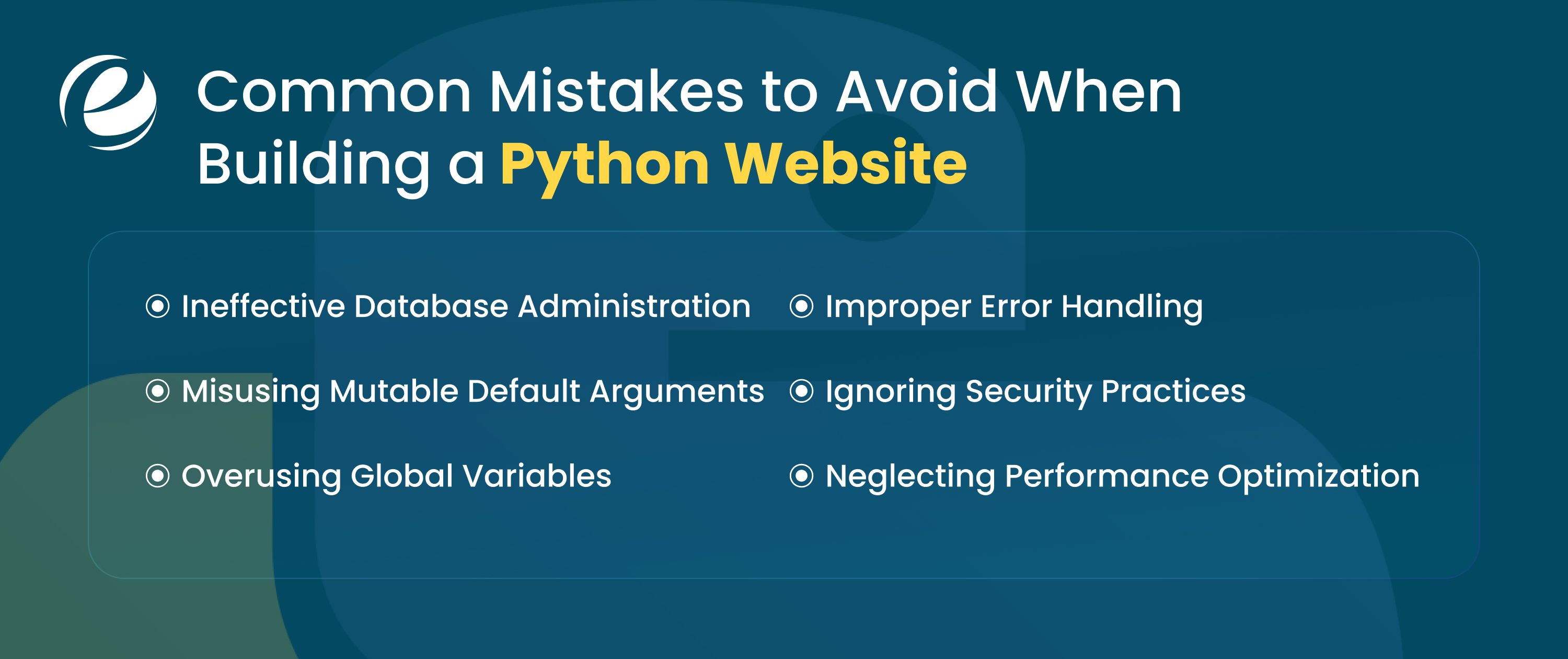
You all know that mistakes can slow down the development process, or they can also cause problems after deployment. Below are some common pitfalls that you can avoid when you build website with Python:
Ineffective Database Administration
Poor database design or unoptimized queries can make your website slow and unreliable. You always have to structure your database carefully.
Misusing Mutable Default Arguments
Using mutable objects as default function arguments can cause unexpected behavior across function calls. Initialize them inside the function instead.
Overusing Global Variables
Global variables can be modified from anywhere, leading to confusing bugs. Prefer passing variables through functions or using class attributes.
Improper Error Handling
Improper error handling can crash your website or show confusing messages. Use try-except blocks to manage exceptions gracefully.
Ignoring Security Practices
Skipping input validation, HTTPS, or safe password handling puts your website and users at risk. Always follow security best practices.
Neglecting Performance Optimization
Slow queries, large files, and unnecessary computations reduce website speed. Optimize the code, use caching, and keep assets lightweight.
Cost of Building a Website with Python
The cost of building a website using Python depends on the complexity of projects, the number of features, and the customization level. Here is a list of a general approximate cost range for different types of web development projects using Python:
| Project Type | Estimated Cost Range |
| Simple Projects | $500-$5,000 |
| Medium Projects | $5,000-$30,000 |
| Complex Projects | $30,000-$150,000 |
So, this is the estimated breakdown that can help you to better understand the budget required for different types of websites developed with Python.
Can You Build a Website with Python?
Yes, at Emizentech, we make building websites simple and tailored to your business. Python is one of our favorite programming languages because of its reliable features. Using frameworks like Django and Flask, we create websites that are fast and secure but also scalable to grow with your business.
Are you curious about how to begin? It’s simple; you can hire Python developers from our team; they will handle everything from the backend systems to responsive design. You just need to focus on growing your business while we take care of the technology. We build Python websites that can simplify complex processes and deliver a smoother experience for your users.
Conclusion
After learning all the crucial concepts, building a website with Python may seem difficult at the beginning, but it becomes easier as you keep practicing. However, when you choose the right framework like Django or Flask and understand the basic parts of a website properly, then it will be easy for you to compile the code without errors. Although if you ever need expert help to build website with Python, you can also explore reliable web development services to understand things more clearly and practically. Always remember that without practice, you cannot create a compelling website.
FAQs
How long does it take to build a basic website using Python?
A simple website can be built in a few hours to a few days using frameworks like Flask or Django. Also, it depends on your experience with Python and frontend technologies.
Can I build a fully functional website using Python without JavaScript?
Yes, you can build a fully functional website using Python frameworks. However, most modern websites still choose to use JavaScript to add interactive elements to their websites, such as dynamic forms and animations.
How do you deploy a Python website to a live server?
It is very easy to deploy a Python website; you have to upload your project to cloud platforms like Heroku, DigitalOcean, or Amazon Web Services by configuring a web server. Then you can install the dependencies and link your domain.
Can Python be used to build complex websites like social platforms?
Yes, Python is capable of powering large websites. Companies such as Instagram and Pinterest use the Python framework to manage millions of users and large volumes of data.




 +1 (989) 535-9295
 info@emizentech.com
 emizentech


