 Add us as a preferred source on Google
 In 2026, mobile and web platforms are shaping the way users interact with businesses. According to TechCrunch, people spend an average of 4-5 hours per day on mobile apps and just a few minutes on mobile browsers. It shows the major impact a platform’s choice should have on engagement, retention, and revenue. A web app offers easy access across various devices, while a mobile app delivers richer experiences with offline functionality. In this guide, you will learn the key difference in the mobile app vs web app debate so that you can choose the platform that best fits your business.
What Is a Mobile App?
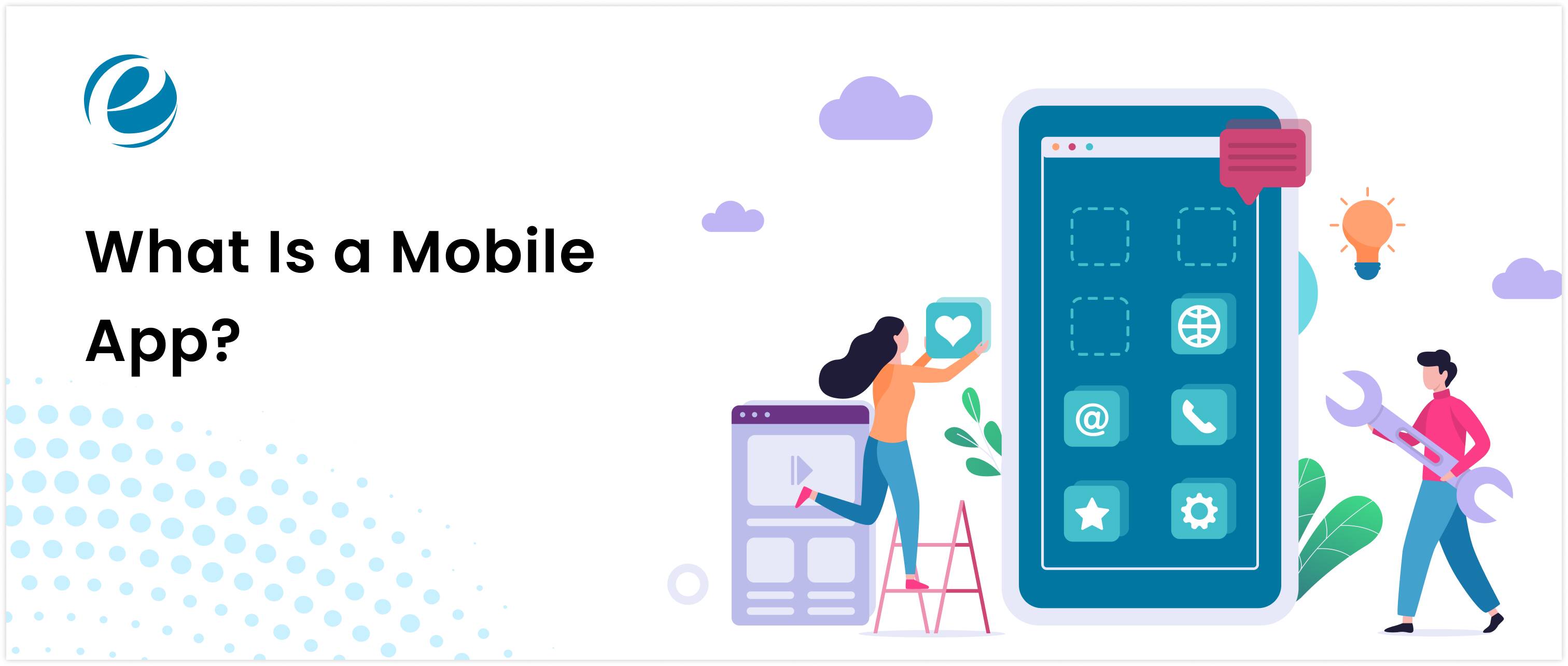
A mobile application is software developed specifically for smartphones and tablets. Mobile apps must be downloaded and installed from mobile app marketplaces, such as the Apple App Store or the Google Play Store. These apps run directly on the device’s operating system.
How Mobile Apps Work?
Mobile apps are installed directly on a device and interact with the operating system (OS), such as Android or iOS. Below, there are some core components of mobile apps:
- FrontEnd (UI): These are built using platform-specific languages (Swift for iOS, Kotlin for Android)
- Backend: It is optional and is used for apps that connect to servers via APIs for data syncing.
- Device APIs: They allow access to hardware features like cameras, GPS, and sensors.
Process of mobile apps:
- The user installs the apps on the App Store or Google Play Store.
- It checks the storage for enough space to download the app.
- The system asks the user to sign up or log in when they open it.
- After logging in, the app displays content and services.
Types of Mobile Apps (Native, Hybrid, Cross-Platform)
The types of mobile apps are categorized into three parts that are mentioned below:
- Native Apps: They are designed for a specific platform (iOS or Android). They provide the best performance and native device access.
- Hybrid Apps: They are a mix of web and mobile apps. They are quick to develop but may not provide the smoothest performance.
- Cross-Platform Apps: They use a single codebase for more than one platform (e.g., React Native and Flutter). They provide a trade-off between performance and speed.
When Businesses Choose a Mobile App?
Below, you will learn the main reasons businesses choose mobile apps:
- User Engagement: Businesses choose mobile apps when user engagement is a priority because features like push notifications and personalized experiences help increase retention.
- Offline Features: Mobile apps are preferred when offline access is required. It allows users to continue using features without a constant internet connection.
- Brand Visibility: These apps are ideal when businesses aim to strengthen brand presence, as the availability on the app stores increases trust, recognition, and customer loyalty
- Device Integration: They are suitable when speed and responsiveness are critical, as they provide smoother and faster performance compared to web-based solutions.
For businesses looking to maximize their engagement and performance, partnering with an experienced mobile app development company can ensure an outstanding user experience.
What Is a Web App?
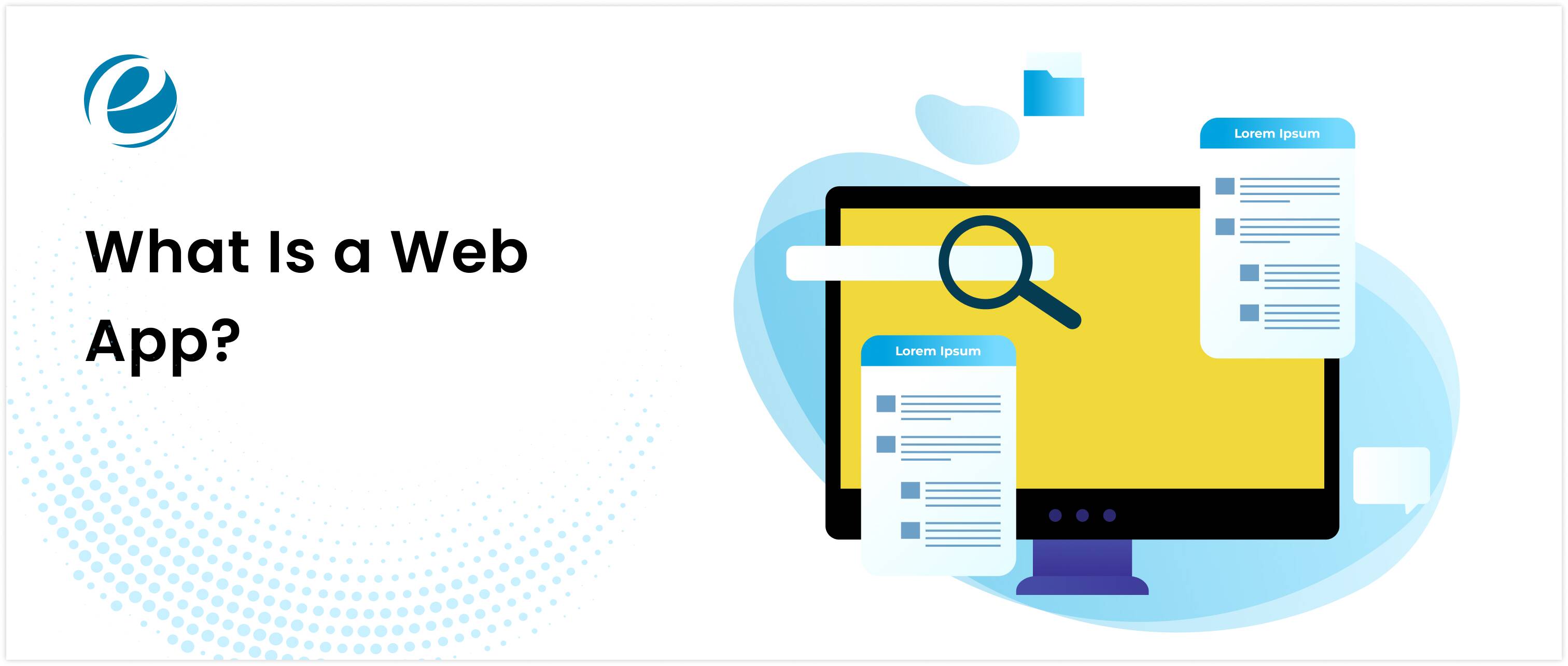
A web application is a software program that users access directly through a web browser like Chrome, Firefox, or Safari. They run on remote servers, and users interact with them through a URL without installing anything on their device.
How Do Web Apps Work?
Web apps follow a client-server architecture:
- Client (Front-end): The user interacts with the app through a browser.
- Server (Backend): The server processes requests, performs logic, and interacts with the databases.
- Database: It stores the user data, app content, and system information.
Process of Web apps
- User sends a request to the web server through a browser using the internet.
- Web server receives the request and processes it.
- The server retrieves the requested information from the web application.
- Web server sends the results back to the user’s browser.
- The browser displays the information for the user to see and interact with.
Common Examples of Web Apps
Below, there are some common examples of web apps across industries:
- Productivity & Collaboration: Google Docs, Notion
- Social Media Platforms: Facebook (web version), Twitter
- eCommerce Platforms: Amazon, Flipkart
- Streaming Services: Netflix, YouTube
When Businesses Prefer Web App?
In the following section, you will learn about the key factors that businesses prefer web apps for their products and services:
- No Installation Required: There is no need to install apps on your devices. It allows users to access the application instantly without downloading or updating through app stores
- Centralized Updates: Web apps are ideal for systems that require frequent updates. When businesses make any changes on the server, they are immediately available to all users.
- Scalability: They support scalability through cloud infrastructure that enables efficient handling of growing user bases and increasing data demands.
- Accessibility: Businesses prefer web apps when users need access across multiple devices and operating systems through a browser without compatibility restrictions.
Mobile App vs Web App: Quick Comparison at a Glance
To make it easier to understand the differences, you can look at key factors between mobile app vs web app:
| Factors | Mobile Apps | Web Apps |
| Platform | Works on iOS or Android only | Works on any browser and device. |
| Installation | It must be downloaded from the App Store or Google Play Store. | There is no installation required because it works on a browser. |
| Development Cost | Expensive | Cheaper |
| Updates | Users need to download updates from app stores. | Updates happen automatically on the server. |
| Performance | Fast and responsive because it can use device hardware. | The performance is slower because it depends on the browser and the internet speed. |
| Offline Access | Users can use it offline because it stores data locally | Mostly needs internet; some PWAs allow limited offline use |
| User Experience | Smooth, interactive, native feel | It depends on the browsers |
| Discovery | Found via App Store or Google Play, and marketing campaigns | Found via search engines, links, or social media |
| Maintenance | It requires timely updates for each platform | Updates have been made on the server and are available instantly |
| Programming languages | iOS: Swift, Objective-C; Android: Kotlin, Java; Cross-platform: Flutter, React Native | Frontend: HTML, CSS, JavaScript; Backend: Python, Java, PHP, Node.js; Frameworks: React, Angular, Vue.js |
So, this comparison highlights that each platform helps businesses to decide the best approach for their goals and resources. It is essential that you are working with a reliable web development company so that they can implement the chosen solutions.
Cost of Building a Web App vs Mobile App
Before choosing a platform, it is crucial to understand both the cost and creation time. Below is a quick comparison of mobile app vs web app to help you decide which app suits your goals:
| Type | Approximate Cost | Time frame | Platforms |
| Web App | $5,000-$25,000 | 2-8 weeks | All devices (desktop & mobile browsers) |
| iOS App | $15,000-$50,000 | 2-3 months | iPhones & iPads |
| Android App | $15,000-$50,000 | 2-3 months | Android devices |
| Native App | $30,000-$100,000+ | 3-6 months | Both iOS & Android |
So, if you are choosing for a startup business, you can prefer web apps because they are cheaper than mobile apps, which require bigger investments.
Mobile App vs Web App for Different Business Models
You should know that different industries have their own unique needs when it comes to choosing between a web app vs mobile app. Below, you will understand how each platform fits specific business models and can help you deliver the right experience to your users:
E‑Commerce & Retail
Web apps are ideal for eCommerce businesses that want broad accessibility across desktops and mobile browsers. They make it easy for users to browse and shop without installation. On the other hand, mobile apps help boost customer loyalty with push notifications, a faster checkout process, and personalized offers.
Finance & Banking
Mobile apps are preferred in finance because they provide enhanced security, offline access and real-time notifications for transactions. However, users utilize web apps for quick account access or online banking services, but they lack offline capabilities.
Media & Entertainment
Web apps are ideal for casual users who want quick access to content without installing anything. Mobile apps excel in delivering personalized experiences, offline playback, and notifications. It keeps users engaged for a longer time and offers richer interaction.
So, after understanding the industry’s needs, you can easily pick the right solution for your business. If you face any challenges in building a professional web app, you can hire a web developer to build a web app that meets your business goals.
How to Decide Between a Mobile App vs Web App for Your Business?
When you plan to take your business online, one of the biggest choices is whether to develop a web app vs mobile app. With the help of the tips below, you can make a smart decision that fits your business needs:
- Conduct User Research: Find out what devices your customers use, like phones, tablets, or computers. You can organize a survey to ask them about their interest and how they prefer to access your service.
- Analyze Existing Data: Look at your current website or app statistics to identify which pages or features people mostly use. This shows which platform might be easier for them to use.
- Evaluate Technical Requirements: You can list the features your app needs, like working offline, sending notifications, or using the phone’s camera, and check the platform that supports all these features.
- Consult with stakeholders: Always have a conversation with the people involved in your business, like marketing, sales, or IT teams. It will help you to know everyone’s ideas; that helps you to pick the right platform.
- Test Prototypes: First, you can make a simple version of your apps for both mobile and web. Then let your audience try them because their feedback helps you see which option works better.
- Review Budget and Resources: You can check the money and the number of staff that you will need. Pick the platform that fits your budget and that can be supported during the development and after launch.
Common Mistakes Businesses Make When Choosing Between a Web App and a Mobile App
When deciding between a native mobile app vs web app, businesses often focus on the wrong factors. Below, there are some of the most common mistakes companies make when choosing the right platforms for their users:
- User Behavior: If you fail to understand your audience’s preference to access services, it can lead to low adoption or poor engagement.
- Feature Overload: Adding too many features without aligning them with business goals can waste time, money, and effort.
- Discoverability Issue: Web apps can be found through search engines, while mobile apps rely on app store visibility. Ignoring it can make it tough for users to find your app.
- Performance Problem: Choosing the wrong platform for speed, offline use, or complex tasks can result in a poor user experience.
So, when they avoid these mistakes, they can make more informed decisions that match their business goals and deliver a better user experience.
Why Choose EmizenTech for Web and Mobile App Development?
EmizenTech has 13 years of experience delivering custom digital solutions worldwide. We have completed 1200+ projects across many industries, which shows a strong track record of success. Our developers use the latest technologies to make sure that the app stays relevant in this evolving tech landscape.
If you hire dedicated developers from Emizentech, they will ensure that you receive regular updates about your projects. We analyze your business goals in depth to craft a tailored digital experience for your users. From strategy and design to development and post-launch support, we provide you with end-to-end services.
Conclusion
Choosing the right platform in the web app vs mobile app debate depends on your goals, audiences, and resources. Mobile apps are ideal when performance and advanced features matter most, while web apps excel at reaching a broader audience quickly. Many businesses find that combining both approaches provides the best result for the user experience. You can analyze all the above factors, and you can make a smart choice that supports growth and long-term success.
FAQs
Can web apps be as useful as mobile apps?
Yes, PWAs behave similarly to mobile apps in that they can have offline access, send notifications, and install on the home screen. This makes it a hybrid option that users prefer over mobile apps.
Which is more cost-effective?
Web apps are more cost-effective since they can use a single codebase for all devices, unlike mobile apps, which need different codebases for different operating systems.
What are Progressive Web Apps?
Progressive web apps are also known as web applications that can function as mobile apps. These PWAs can be installed on a device, and users can use them even when they are offline.
What is the main difference between a mobile app and a web app?
The main difference between a mobile app and a web app is that a mobile app is installed on a user’s device with the ability to access hardware capabilities, while a web app is simply a URL that users access using a browser.



 +1 (989) 535-9295
 info@emizentech.com
 emizentech


