
 Add us as a preferred source on Google
 Android introduced the most polished update in 2025. It pushed the platform to the front row with sharper security, smarter notifications, stronger large-screen support, and tighter system performance. Instead of cosmetic redesigning, the upgrade makes the noise by strengthening the core of the operating system. And it makes sure that users notice the change as they interact with the new version. From AI integration to refined policy controls, the Android 16 features are a combination of control, stability, and intelligence that you don’t want to miss.
Curious to know what’s new in Android 16? The version delivers meaningful upgrades that improve responsiveness and prepare Android devices for the next wave of AI-driven experiences. Continue reading to know everything.
Android 16 Release Date and Availability
The official Android 16 update release happened on June 10, 2025, with the rollout beginning for supported Pixel devices such as Pixel 6 and newer models.
- First rollout: Pixel phones – June 10–11, 2025
- Later rollout: OEM devices from manufacturers like Samsung, OnePlus, Xiaomi, Motorola, Oppo, and Vivo, gradually over late 2025/early 2026.
Later in 2025, Google also introduced a minor SDK update later for additional APIs and optimizations.
The release was earlier than usual and signaled a new cadence in the Android development cycle, aiming at faster deployment across devices.
Android 16 Features: What’s New?
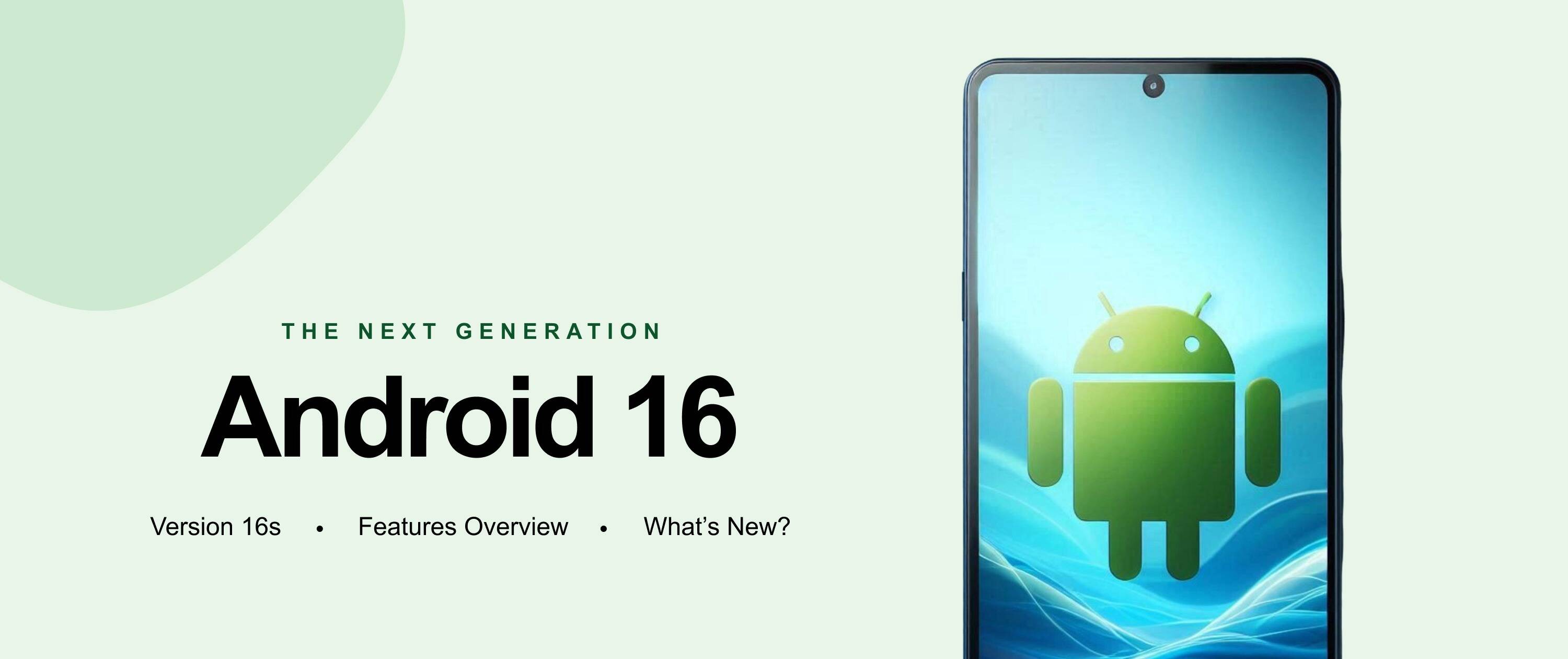
Below is a breakdown of the critical Android 16 new features explained clearly and accurately.
Performance and Battery Improvements
Android 16 features system-level APIs and tools from official developer documentation that allow both apps and the OS to measure performance and minimize the clutter. In addition to that, battery enhancements are evident across betas and stable releases, with users reporting elevated battery management in some cases. However, the results may vary by device and settings.
Privacy and Security Enhancements
Privacy is one of the most important highlights among Android 16 features. Here is what it covers:
- Advanced Protection Mode: A bundled suite to defend devices against unsafe sites, malicious apps, and scam calls.
- Trade-in Mode: To protect your data during phone transfers.
- Identity Check: Biometric validation that helps prevent unauthorized account takeover outside trusted locations.
- AI Scam Detection in Google Messages: On-device warning system for suspicious texts.
These take Android’s privacy stance a notch up and far beyond Android 15.
AI and Smart System Enhancements
Google’s AI improvements in Android 16 have AI-powered notification summaries and organizers. Here’s what this means: All the long messages and grouping-related alerts will now be condensed automatically. Besides, voice interaction and contextual suggestions are now closer to the system, making predictive suggestions smarter and more responsive. That said, businesses planning to build AI-powered products should hire Android app developers who understand system-level integrations.
UI and User Experience Updates
On the UI and UX font, Android 16 progressively delivers:
- Updated dynamic color themes.
- Springy animations and improved depth effects.
- Haptic feedback for controls like brightness and volume.
- Notification auto-grouping and “predictive back” to preview prior screens.
- Notices list and Quick Settings improvements.
These changes may be subtle on the surface, but they make the interface feel more alive and coherent.
Large Screen and Foldable Device Enhancements
Android 16 expands desktop-style windowing on tablets and foldables (think resizable windows, much like a PC). The update also brings advanced taskbar overflow controls and keyboard shortcuts, boosting productivity on screens that are larger than a phone.
Explore insights on Google Play Store Statistics that highlight how Android’s evolution is redefining app development priorities.
Android 16 Developer Features and API Changes
For developers, Android 16 features include new APIs, updated media and camera tooling, and behavior changes. Here’s a roundup of the changes:
- System-triggered profiling for performance insights.
- Advanced Camera and Media APIs for professional-level exposure and video workflows.
- Embedded Photo Picker API and search-enabled cloud media.
- Minor SDK releases to iterate APIs more rapidly.
These features make one thing clear: developers can build high-value apps with performance and media capabilities, ones that were previously hard to achieve.
Android 16 Migration Checklist
- Focus on Android 16 SDK and check all behavior changes.
- Validate media and camera functionality with new API standards.
- Confirm if adaptive UI works on large screens and foldables.
- Check privacy and permission flows against the updated framework.
- Integrate system-triggered profiling for performance insights.
Android 16 vs Android 15: What Has Changed?
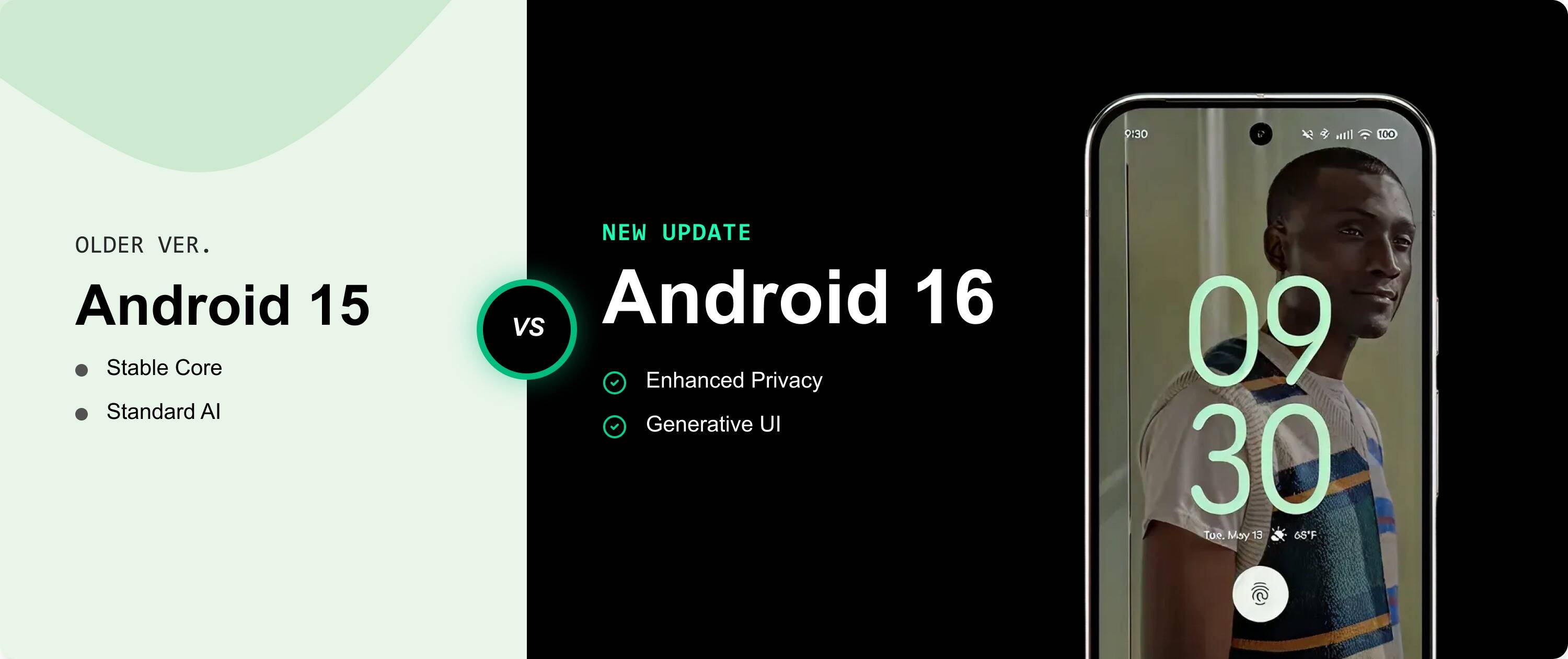
Android 16 vs Android 15: What Has Changed?
| Feature Area | Android 15 | Android 16 |
| UI Styling | Material You | Material 3 Expressive (rolling out) |
| Notifications | Standard grouping | Auto-grouping + AI summaries |
| Security | Strong baseline | Advanced Protection + Identity Check |
| Large Screen | Basic multi-window | Desktop windowing + taskbar enhancements |
| Developer APIs | API stability | New profiling + enhanced camera/media |
| AI Integration | Limited | System-level integration, with summaries and smarter predictive layers |
| Battery Optimization | Adaptive battery enhancements | Improved background task handling and more power efficiency |
How Does Android 16 Affects Daily Usage?
Here’s what you can expect with Android 16 update features:
- More refined notifications with AI summaries and live updates
- Enhanced multitasking on foldables and tablets
- Smarter scan detection and privacy controls
- Improved camera tools and media workflows
- Smoother interactions and responsive UI feedback
In short, the experience is less about flashy change and more about thoughtful, purposeful finishing.
Wrapping Up..
Android 16 update is all about stability-first transition powered by precision. There’s no hype, just refinement that speaks for itself. The update enhances how devices use power, how apps work behind the scenes, and how notifications highlight the information. It redefines how larger screens handle productivity. The most interesting part? It doesn’t end there.
Security features run deeper, AI feels more practical, and performance remains steady across supported devices. Overall, Android 16 features set stricter standards with smarter foundations for what comes next.
FAQs
What are the main Android 16 features?
Material 3 Expressive UI components, Live Updates, AI notification summaries, Advanced Protection, Desktop windowing, and new developer APIs.
When will Android 16 be released?
Google announced the stable Android 16 launch on June 10, 2025.
Is Android 16 stable?
Yes. The stable release rolled out mid-2025, with OEM rollouts continuing thereafter.
Will Android 16 slow down older phones?
On supported devices, Android 16 is optimized for efficiency and rarely degrades performance; results vary by device and OEM.
What changes for developers in Android 16?
Developers must adapt to new APIs, behavior changes, profiling tools, enhanced camera/media APIs, and updated security and privacy frameworks.




 +1 (989) 535-9295
 info@emizentech.com
 emizentech


