
 Add us as a preferred source on Google
 Healthcare has become more connected than ever, and patients now expect quick, convenient access to their medical information. Digital tools are making it possible for patients to stay informed virtually, eliminating the need to wait for phone calls or follow-ups for appointments to receive test results. That’s why MyChart Kettering is getting popular. It is designed to simplify the healthcare experience; the patient portal gives users sure access to their medical data from their mobile devices. In this blog you will explore MyChart Kettering’s features, security measures, benefits, common alternatives and what it may cost to build a comparable patient portal in 2026.
What Is MyChart Kettering? and How Does It Work?
MyChart Kettering is Kettering Health’s patient portal, built on Epic Systems’ MyChart platform (the same backbone that many major hospitals use). It gives you one login that covers most of what you’d otherwise need a phone call for: lab results, messages to your provider, or appointments.
Sign up for Kettering MyChart, and you’ll get a dashboard that connects directly to Kettering Health’s electronic health record. Everything from a Kettering visit lands here: tests, prescriptions, appointments, and bills. You can activate the account a few ways: a code on your after-visit summary, one on a billing statement, or just ask the front desk to set you up while you’re already there.
In practice it works like a charm. Your provider orders a lab test, and once it’s finalized, the results are usually pushed into MyChart Kettering Health within about a week for both outpatient and inpatient tests. You get a notification, log in, and see the number sitting right next to your doctor’s notes.
No callback required. The same logic applies to messaging, refills, and scheduling, which is honestly why it’s turned into the main way people actually talk to their care team now.
Benefits of Using MyChart Kettering
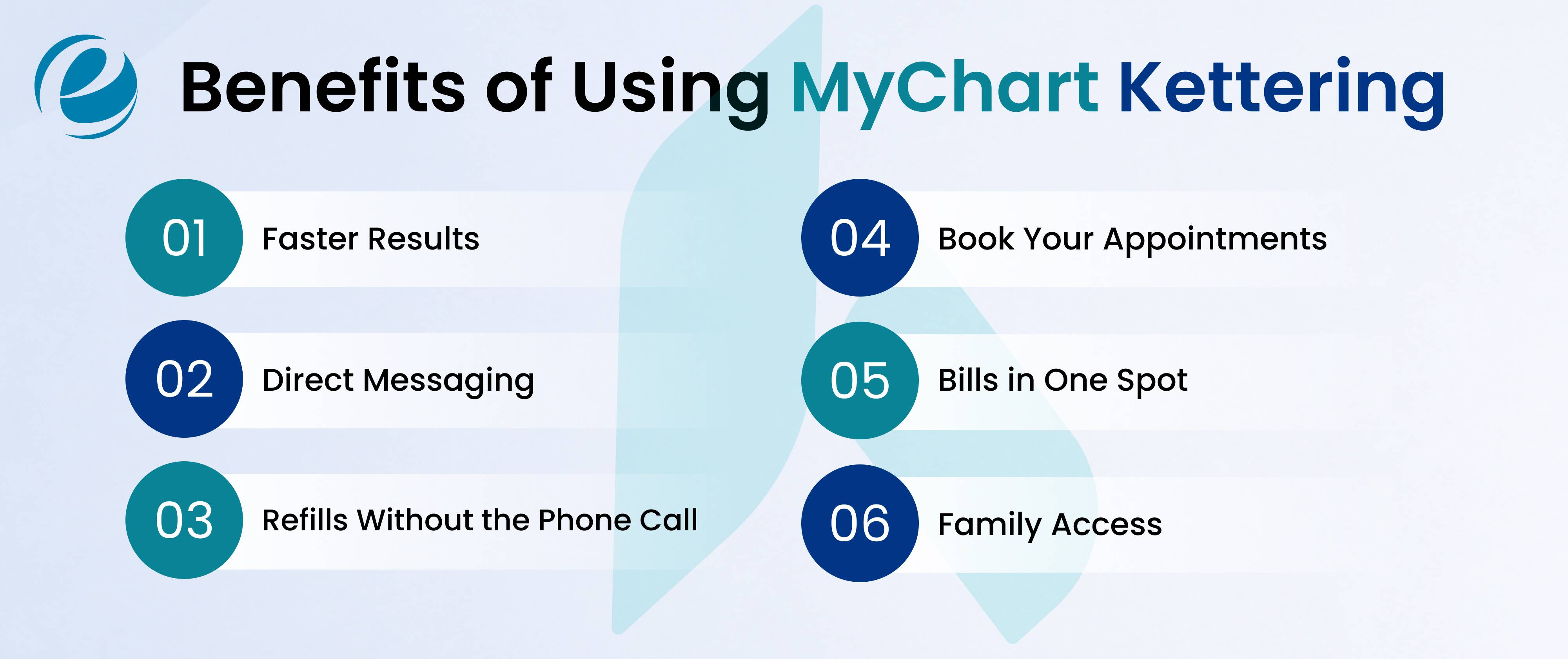
Time. That’s the real benefit of MyChart Kettering: you don’t have to sit on hold listening to hospital hold music. A few things patients tend to bring up most are mentioned below:
- Faster results: You get results without waiting for a letter or a callback; it just posts.
- Direct messaging: Ask a quick follow-up question instead of booking a whole visit for it.
- Refills without the phone call: Request a refill on anything active in a couple taps.
- Book your appointments: Schedule, move, or cancel a visit on your own time.
- Bills in one spot: See what you owe and pay it without digging through your mail.
- Family access: With proxy permissions, you can manage a child’s or dependent’s care from the same account.
If you’re juggling Kettering Health MyChart alongside an ongoing condition, being able to actually see how your labs trend over months makes appointments much clearer.
Key Features of MyChart Kettering
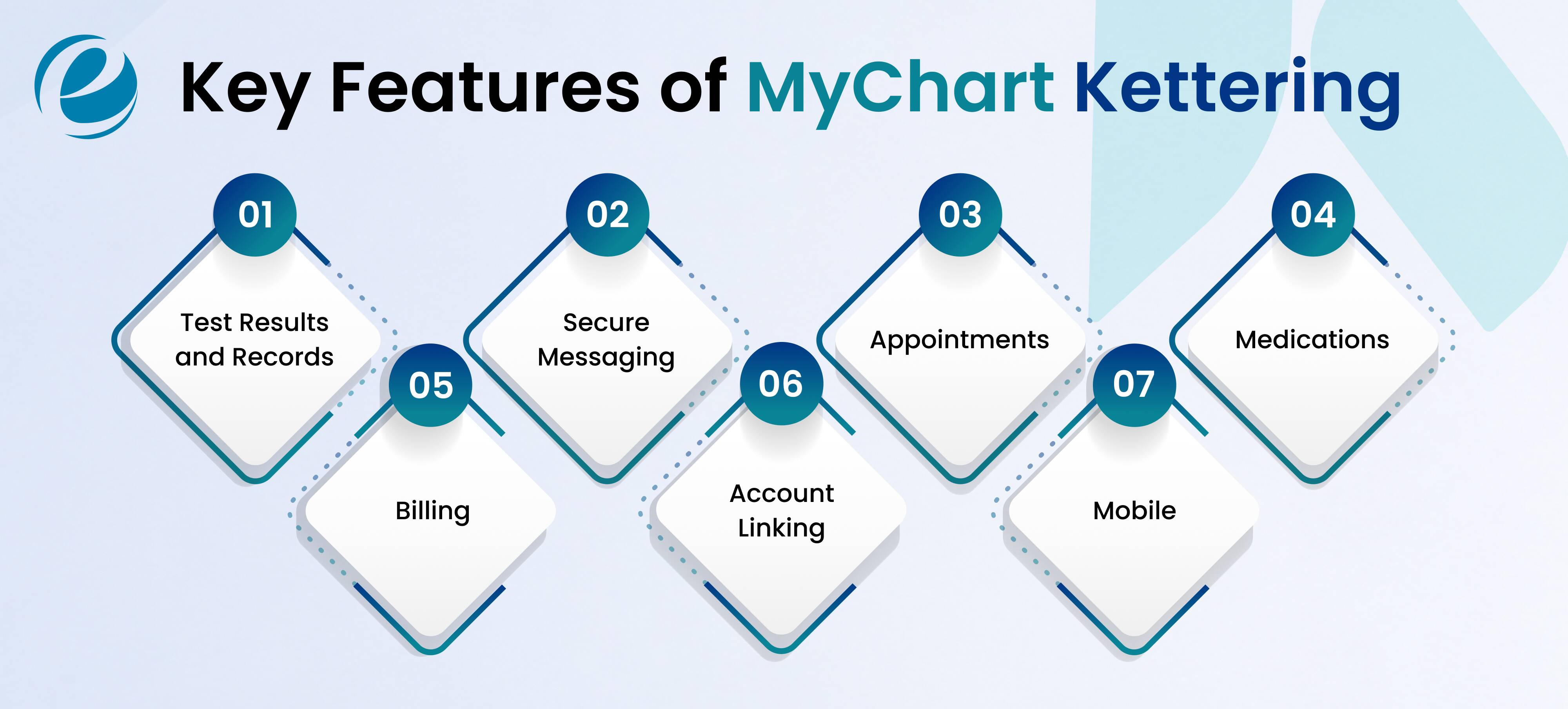
Past the basics, MyChart Kettering really breaks down into a handful of feature groups that help the patient to manage things easily through their mobile phones:
- Test results and records: Labs, imaging summaries, and visit notes, searchable by date so you’re not scrolling forever.
- Secure messaging: A HIPAA-compliant inbox for the non-urgent stuff, answered within roughly two business days.
- Appointments: Real scheduling, e-check-in ahead of a visit, plus a way to let an Emergency Center or Urgent Care know you’re already on the way.
- Medications: A live list of what you’re currently prescribed, dosages included, with a library if you want to actually understand what you’re taking.
- Billing: Itemized statements and upfront estimates before a planned procedure, so there’s no surprise later.
- Account linking: “Link My Accounts” pulls in records from other health systems, which effectively widens the kettering health network mychart into one combined view instead of five logins.
- Mobile: The kettering mychart app on iOS and Android mirrors the desktop version, with biometric login and push alerts when something new lands.
So, these are some of the common features that MyChart Kettering provides to the patient so that they can manage the things properly without getting stuck at any stage.
Is MyChart Kettering Safe and HIPAA Compliant?
Yes, and this isn’t a “trust me” situation. MyChart Kettering runs on Epic’s infrastructure, the same system thousands of hospitals rely on, built to meet HIPAA’s technical, physical, and administrative requirements. Logins are encrypted, and two-factor authentication kicks in the first time you use a new device (you can mark it trusted afterward so you’re not doing this every single time for 30 days).
Only you, or someone you’ve specifically given proxy access to, can see your records. Nothing gets handed to third parties without consent, and every access attempt is logged. That’s consistent with how the broader kettering network mychart setup is built, mirroring the security standards you’d find across Epic’s MyChart footprint generally.
And that footprint isn’t small. Epic’s MyChart platform now supports more than 150 million users, with cross-system record sharing, AI-assisted message drafts, and Apple Health integration as of early 2026 which says a lot about how central portals like this one have become to how people actually deal with healthcare now.
Top 5 Alternatives of MyChart Kettering
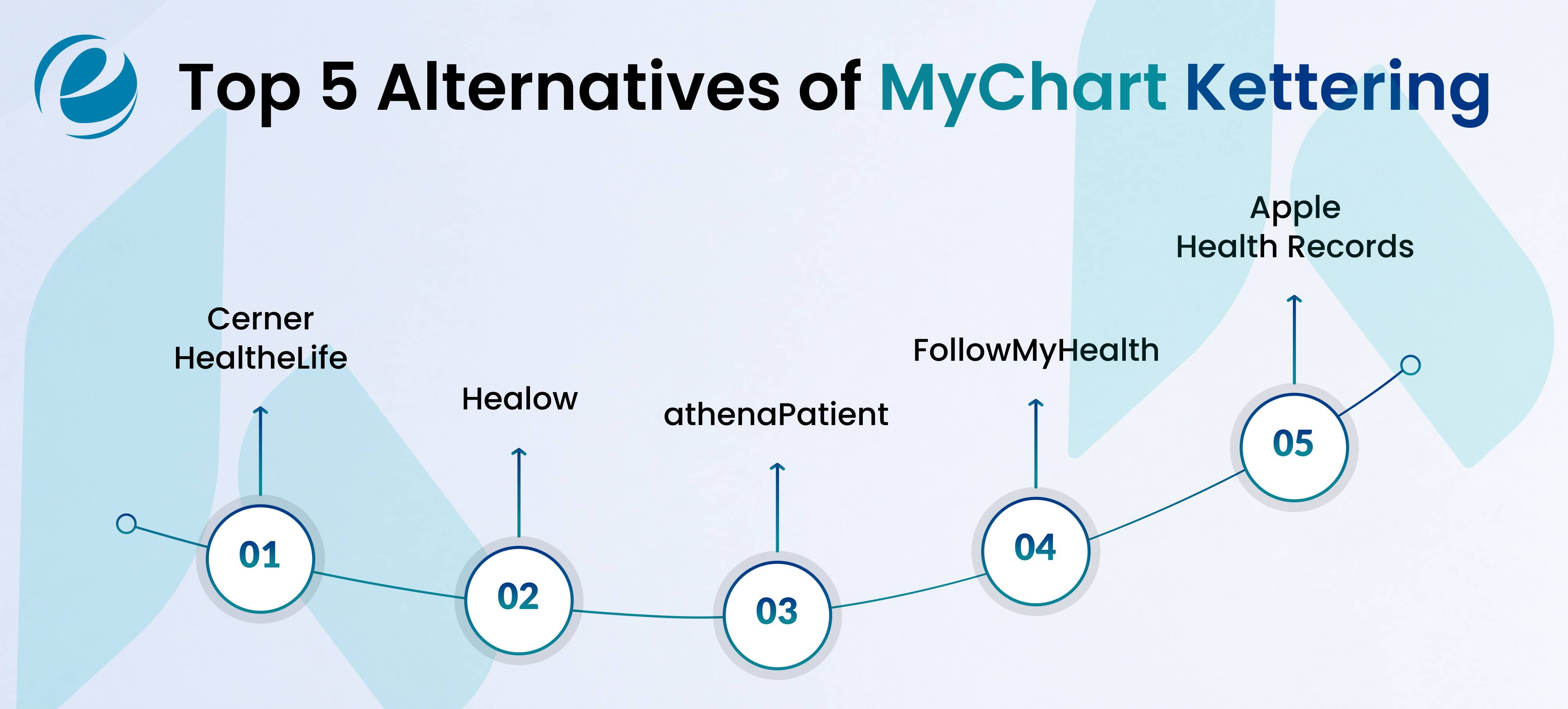
MyChart Kettering is the obvious choice if you’re seeing a Kettering provider. But many people don’t stick to one health system, so here’s what else is out there.
1. Cerner HealtheLife
This is Oracle Health’s version, and it works in much the same way. Lab results, messaging, and scheduling are all present and accounted for. You’ll mostly run into it at hospitals that never switched to Epic. Is it as polished as MyChart? Not quite, the navigation feels a step behind, a little more clicking than it needs to be. But it works if that’s what your provider uses.
- Best for: Cerner-based hospitals.
2. Healow (eClinicalWorks)
It’s built for phones first, and you can tell: nothing about it feels like a desktop site squeezed onto a small screen. Smaller independent practices lean on this one a lot more than big hospital networks do. And credit where it’s due: the wearable integration is genuinely better than most competitors. If you’re already tracking steps or heart rate somewhere, it tends to pull that data in without a fight.
- Best for: Independent practices.
3. AthenaPatient (athenaCommunicator)
Automation is really the whole selling point here: reminders, care gap alerts, and nudges to book a follow-up you probably forgot about. Mid-size practices seem to like it because it cuts down no-show rates without needing extra front-desk staff. The patient side works fine, nothing fancy, though it’s pretty obvious this was built with the practice’s workflow in mind first. Results, messaging, and scheduling are all there; no real complaints.
- Best for: Mid-size practices.
4. FollowMyHealth
Here’s the pitch: it doesn’t care what EHR your doctor’s office uses. See a cardiologist on one system and a GP on another? FollowMyHealth pulls both into one app instead of making you juggle two logins and two passwords. It’s a bit rougher around the edges than MyChart, less refined and with fewer bells and whistles, but for anyone bouncing between hospital networks, that trade-off is usually worth it.
- Best for: Multi-provider patients.
5. Apple Health Records
Not really a portal; if you are being precise about it, more like a collector sitting on your iPhone. It pulls in data from participating hospital systems, including Epic ones, so instead of five separate apps, you get one combined view. You can’t message a provider through it or book anything, so don’t consider it to be a MyChart replacement. It’s more of a sidekick.
- Best for: Consolidating records.
They all cover the fundamentals. Where they actually differ is interface quality, how big the provider network is, and how well they play with wearables or other apps.
How to Choose the Best Alternative to MyChart Kettering
If you’re weighing options outside your current system, a few things actually matter that are mentioned below. Take a look and choose the best alternative for yourself and your family:
- Network coverage: Make sure your actual doctors use it, not just “a lot of doctors.”
- Mobile experience: A bad app kills adoption fast. Check reviews before you commit to one.
- Data consolidation: Seeing providers across systems? Prioritize something that merges records instead of leaving you juggling logins.
- Security: Confirm HIPAA compliance and two-factor authentication; don’t just assume it.
- Support: Search for a real help line, similar to the Kettering MyChart help desk, for the inevitable password reset or account issue.
If you’re a healthcare organization thinking about building your own instead of adopting someone else’s platform, going the custom web development route usually gives you a lot more control over branding, workflow, and how deeply it ties into your existing systems.
Thinking about building your own app like MyChart Kettering?
More hospital groups and clinics want their own branded version of this experience instead of relying entirely on a vendor platform, and honestly, that makes sense. Patient portals now handle scheduling, billing, messaging, and basically the whole relationship. Owning that experience means owning the relationship with your patients instead of renting it.
But building one isn’t something you knock out in a few sprints. It takes real understanding of healthcare compliance, EHR integration, and secure data handling, which is exactly the kind of work that benefits from dedicated healthcare app development experience rather than a generic dev shop figuring it out as they go.
How to Develop an App Like MyChart Kettering – Steps and Cost
If you are planning to make one for your business, then building something comparable to mychart kettering generally goes through these stages:
- Requirement mapping: Nail down the core modules first: appointments, messaging, results, billing, and prescriptions.
- Compliance planning: Build around HIPAA (and HL7/FHIR standards, where relevant) from the start, not bolted on at the end.
- EHR integration: Connect into the hospital’s existing record system so data actually syncs in real time.
- UI/UX design: Design for accessibility, because patients range from tech-savvy 20-somethings to someone’s grandfather logging in for the first time.
- Core development: Build the apps (native or cross-platform) alongside a secure web portal, ideally with a team that’s done mobile app development for healthcare before.
- Security layer: Encryption, two-factor authentication, and audit logs are non-optional, not a nice-to-have.
- Testing and compliance audit: Functional testing, security testing, and a real HIPAA compliance check before anything goes live.
- Deployment and maintenance: Launch across app stores and the web, then keep it updated and monitored, because compliance requirements don’t sit still.
Roughly what it costs: A basic portal with the core features starts around $40,000–$60,000. A fuller platform EHR integration, telehealth, and serious security, comparable in scope to what Kettering runs, usually lands between $80,000 and $150,000+, depending on how many platforms you’re covering.
Why choose EmizenTech for MyChart Kettering App Development?
Building something in the same category as MyChart Kettering takes more than a generic dev team; you need people who actually understand healthcare workflows, data security, and how EHR systems talk to each other. That’s the gap EmizenTech fills. The team has worked on HIPAA-compliant portals, secure messaging, and appointment systems for clinics and hospital networks before, so it’s not a first attempt at figuring out compliance mid-project. If you need a patient-facing app, you can hire mobile app developers who already know the compliance and integration headaches specific to healthcare software, which saves you both time and a fair amount of risk later.
Conclusion
MyChart Kettering has quietly become the default way patients across the Kettering Health system handle their care checking results, paying bills, and messaging a provider, all from one login. For patients, it’s a genuine time-saver, no exaggeration needed. For healthcare businesses watching this, it’s a pretty clear sign that a comparable patient portal isn’t optional anymore; it’s just expected. Whether you’re setting up your account today or planning to build something similar for your practice, understanding how this system works is the best way to get started.
FAQs
How do I sign up for MyChart Kettering?
Use an activation code from your after-visit summary or billing statement, or just ask front-desk staff during any Kettering Health visit to set you up directly.
How long does it take for test results to appear in MyChart Kettering?
Most results are posted within about seven days. If something you're expecting isn't there by then, just call your provider and ask.
Can I access a family member's records in MyChart Kettering?
Yes, through proxy access but you'll need to contact their doctor's office or hospital registration desk directly to request it.
What should I do if I forget my MyChart Kettering password?
Hit "Forgot Password" on the login page, or call the Kettering health mychart home support line at (937) 384-4893 for help getting back in.





 +1 (989) 535-9295
 info@emizentech.com
 emizentech


