
 Add us as a preferred source on Google
 If you’ve ever used Sakai, the open-source learning management system a lot of universities and colleges run on, you’ve probably run into the Samigo app without knowing its name. It’s the built-in tool behind “Tests & Quizzes” that instructors use to build exams, quizzes, and surveys right inside their course, without switching to another website.
It’s not flashy or full of gamified extras, but it gets the job done: question banks, timers, security settings, and automatic grading, all in one place. This guide covers what it does, its features, pricing, the best alternatives in 2026, and what it takes to build something similar yourself.
What Is the Samigo App? And How Does It Work?
The Samigo app is the assessment engine baked into Sakai, the open-source LMS a lot of universities and colleges run on. It actually started as its own separate project called “Tests & Quizzes” before Sakai absorbed it, and that’s still the name instructors see when they open it from their course menu. Basically, it’s the thing a teacher clicks on when they need to put together a quiz, a midterm, a survey, whatever, without hopping out to some other website.
Here’s how it actually works, step by step:
- An instructor logs into Sakai and opens the tool from the course toolbar.
- They build a test using the question editor, pulling from a personal question bank if they’ve got one.
- Questions can be shuffled around so copying is harder and grouped into pools that get reused semester after semester.
- Once published, students take the test right there in the same course: no separate login, no outside tool.
- The system handles the timer and locks submissions the second time’s up.
- For anything objective, like multiple choice, it grades instantly and sends the score straight to the Sakai gradebook.
Because it’s open-source, there’s no license fee tacked onto it. The catch, and it’s a real one, is that it only exists where Sakai is already running. People comparing it to standalone quiz tools sometimes forget this part; you can’t just sign up for the Samigo app on its own, the way you would with, say, Typeform. For schools already on Sakai, though, it’s simply the default way any graded test gets run.
Key Features of the Samigo App
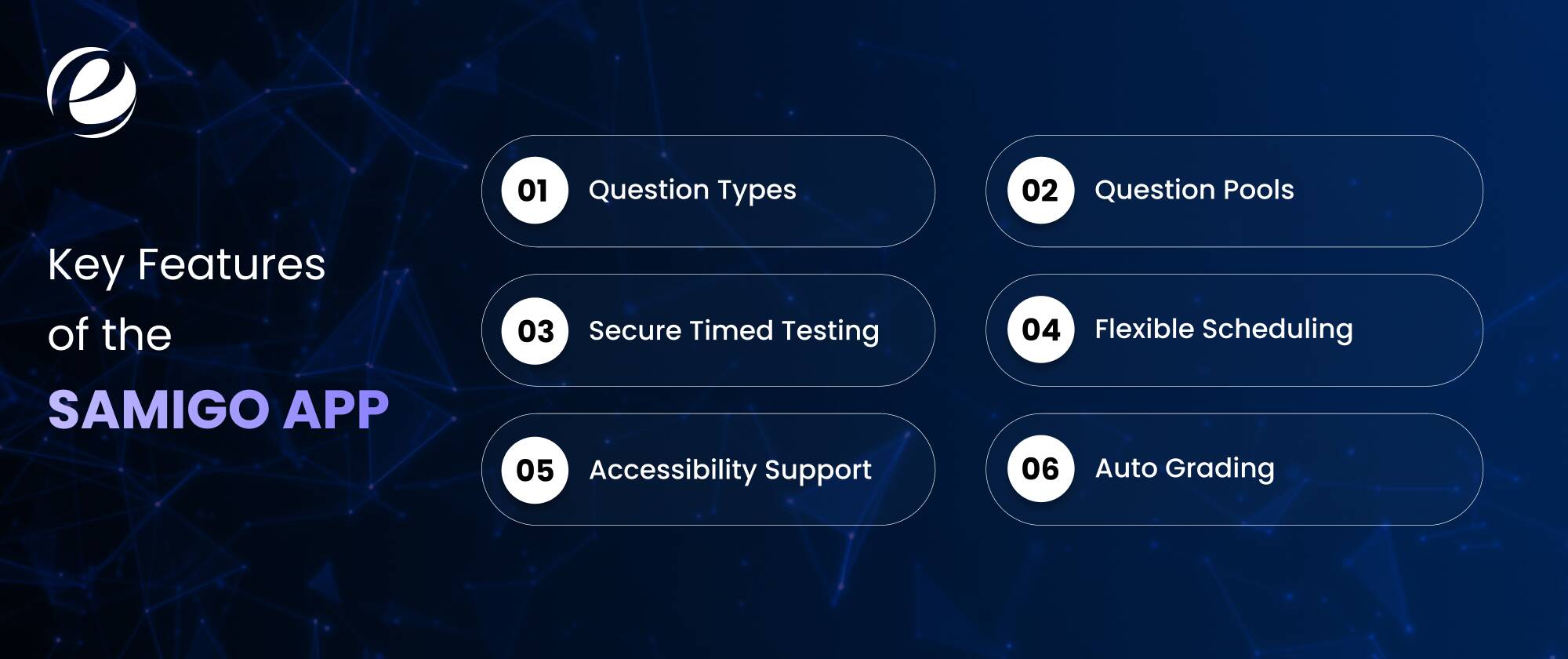
It’s earned its spot in Sakai schools because it does more than a basic quiz form ever could. Some of the stuff people actually use:
- Question Types: It includes multiple-choice, true/false, short answer, essay, fill-in-the-blank, matching, and calculated questions and even audio recordings and file uploads.
- Question Pools: This provides instructors a stockpile of large sets of questions and lets the system randomise which ones show up, so no two students necessarily get the same version.
- Secure Timed Testing: The features include countdown timers, IP restrictions, shuffled answers, the works, for exams where cheating is a real concern.
- Auto Grading: It gives objective questions that get scored the second they’re submitted, and that score lands in the gradebook without anyone touching a spreadsheet.
- Accessibility Support: This provides screen-reader support and extended time options, which matters a lot for schools with compliance rules to follow.
- Flexible Scheduling: The tests can go live on a timer, allow more than one attempt, or only unlock once a student’s finished something else first.
None of this requires bolting on some third-party plugin, either; it’s all sitting inside the same course shell, which is probably why IT departments like it more than adding an outside quiz vendor into the mix.
And honestly, the gradebook sync alone is worth mentioning twice. For a lecture course with three hundred students, not having to export spreadsheets and manually match up scores saves real hours every grading cycle, the kind of hours nobody gets back otherwise.
Samigo App Pricing Plans
Here’s the short version: there isn’t a separate price for the Samigo app. It comes bundled with Sakai, which is free and open-source. No per-seat fee, no “pro” tier hiding better features behind a paywall. Every Sakai install gets the same tool.
The actual cost shows up somewhere else. Institutions pay for Sakai hosting, server upkeep, and IT staff time if they run it themselves, or a subscription to a managed Sakai host (usually a few thousand dollars a year, depending on how many students you’ve got) if they’d rather not deal with servers at all.
So budgeting for it really means budgeting for Sakai, not the quiz tool by itself. And a lot of schools underestimate that this “free assessment tool” doesn’t mean zero total cost. Someone still has to patch servers and fix outages, whether that’s your own IT department or a hosting partner you’re paying.
Bigger universities with IT staff already on payroll tend to get the most out of the free model; smaller schools sometimes find it’s actually cheaper to pay someone else to host it than to run Sakai in-house.
Top 10 Samigo App Alternatives in 2026
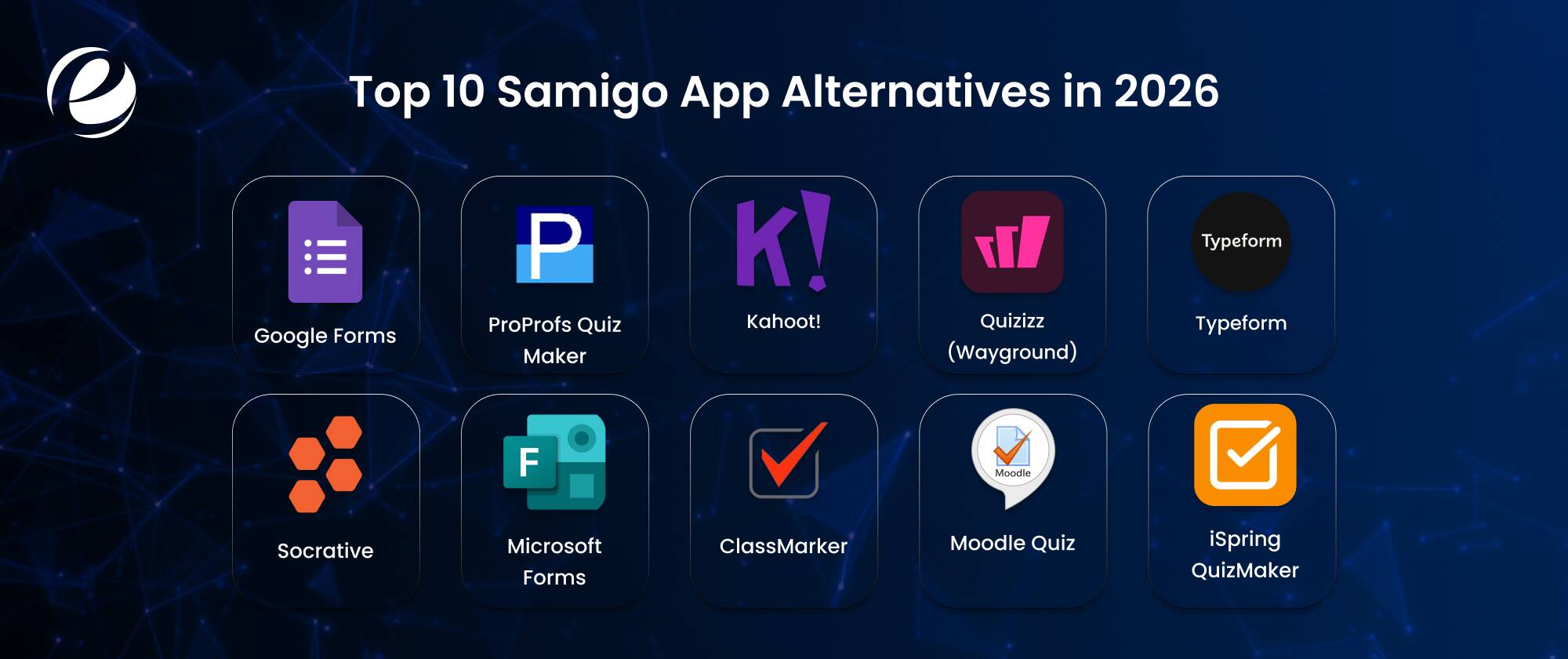
Here is a list of some alternatives to the Samigo app that you can prefer instead of this app. Its main purpose is the same as a learning management system:
1. Google Forms
Free, no limits, no catch. Google Forms is what most people reach for when they need a quick quiz and don’t care about gamification. It’s missing question pools, timers, and any real exam security, so it’s not built for high-stakes testing. But for a basic knowledge check, a class survey, or a self-graded practice quiz, it’s genuinely hard to beat. Everyone already has a Google account, so setup takes about two minutes and costs nothing at all.
Price Plans: Free
2. ProProfs Quiz Maker
ProProfs leans hard into certification and compliance testing, and it shows AI-generated questions, branded certificates, and reporting dashboards that actually tell you something useful. If you need white-labeled exams or you’re operating completely outside an LMS, it’s a stronger fit than anything tied to Sakai. The catch is the subscription cost once you outgrow the free tier, which happens fairly quickly if you’re running frequent assessments or need advanced reporting features.
Price Plans: Free / $19.99 per month
3. Kahoot!
Everyone’s seen Kahoot! At this point it’s the loud, colorful, leaderboard-driven one that turns a quiz into an actual game. Great for keeping a room of students awake, less great as a replacement for formal grading, since it wasn’t really built with that in mind. Think of it as the fun companion tool you run alongside real assessments, not instead of them. Teachers use it for review sessions; it’s rarely anyone’s choice for a graded final exam.
Price Plans: Free / $3 per month
4. Quizizz (Wayground)
Quizizz went and rebranded to Wayground recently, but the core idea’s the same: self-paced, homework-style quizzes with power-ups and avatars to keep students engaged after class ends. The analytics track how each student’s doing over time, which is genuinely useful for spotting who’s falling behind. No LMS install required either, so it’s quicker to get running than anything sitting inside Sakai’s course structure.
Price Plans: Free
5. Typeform
Typeform does one thing really well: it makes filling out a form feel less like taking a test. One question at a time, a clean design, and no anxiety-inducing wall of text. That makes it a favorite for reflections, entrance tickets, or marketing quizzes where you want people to actually finish. It’s not built for locked-down academic exams, but where completion rate and a good-looking interface matter more than security, it wins easily.
Price Plans: $29 per month
6. Socrative
Socrative keeps things simple: a teacher-controlled quiz runner built for fast exit tickets and short-answer checks, with responses showing up in real time. No power-ups, no avatars, and no game mechanics at all, really. That plainness is sort of the point, and it’s the closest in spirit to how a Sakai-native tool approaches assessment: get the data, skip the theatrics, and move on with the lesson.
Price Plans: Free / $10 per month
7. Microsoft Forms
If your school or company already lives inside Office 365, Microsoft Forms is the obvious pick. It plugs straight into Excel, works reasonably well offline through the Office suite, and gives you basic analytics without much setup. It doesn’t come close to matching Sakai’s question-pooling depth or exam security, so treat it as a convenience tool for quick surveys rather than something for high-stakes testing. It’s free with most Microsoft 365 plans, which is a real plus for schools already paying for the ecosystem.
Price Plans: Free / $6 per month
8. ClassMarker
ClassMarker is built specifically for secure, proctored testing: browser lockdown, custom branding, detailed randomization, the whole package for certification bodies and businesses running real-stakes exams. It’s probably the closest commercial cousin to the Samigo app’s security-first approach, and it runs entirely outside any LMS, which some certification providers actually prefer since it keeps things independent from whatever course platform is being used.
Price Plans: $19.95 per month
9. Moodle Quiz
Moodle’s built-in quiz module is basically the open-source sibling of Sakai’s own tool; similar question banks, similar randomization, and gradebook sync are included. If your school’s deciding between Sakai and Moodle, this is usually one of the first things people compare directly, since both platforms treat their native quiz tool as a core selling point rather than an add-on. The real difference tends to come down to interface preference and whatever plugins your IT team already trusts.
Price Plans: Free
10. iSpring QuizMaker
iSpring is big in corporate training circles because it builds quizzes as standalone SCORM packages that’ll plug into pretty much any LMS you throw at it. That portability is the whole appeal; content isn’t locked to one platform the way this tool is locked to Sakai. If you’re building training content once and reusing it across multiple systems, this is the one worth a look.
Price Plans: $470 per month
How to Choose the Best Samigo App Alternative?
Picking a replacement really comes down to matching the tool to what you’re actually doing, not grabbing whatever’s most popular. A few questions worth asking first:
- Who’s taking the test? Students in a real course need security and gradebook sync. Casual learners or sales leads just need something quick and frictionless.
- Standalone or embedded? Some tools run on their own (Typeform, Kahoot!), and others need an LMS to plug into (Moodle Quiz, iSpring).
- How much does security matter? High-stakes exams need timers, IP locks, and randomization. The Samigo app and ClassMarker both take this seriously.
- What’s the budget? Google Forms costs nothing and covers the basics. ProProfs and similar certification-grade tools come with a recurring bill.
- Do you actually want gamification? Kahoot! and Quizizz win here. A straightforward assessment tool wins if you just want clean grading with no distractions.
Answering these narrows the list fast. And honestly, it’s worth actually trying your top two picks with a real quiz before committing to anything. Marketing pages never show you how clunky (or smooth) the actual question-building screen feels once you’re in it.
Thinking About Building Your Own Samigo Alternative?
If nothing on that list quite fits, including Sakai’s own tool, building something custom is often the better long-term call. You get to decide exactly which question types, security rules, branding, and integrations matter, instead of working around whatever limits a third-party tool happens to ship with.
This matters most for companies that want gamified, leaderboard-style testing from day one. That kind of interactive design actually overlaps a lot with what you’d find at a dedicated game development company, since scoring logic, animations, and reward systems borrow heavily from how games get built. Worth thinking through before committing a budget and months of dev time to it.
How to Build an App Like Samigo: Step-by-Step Process
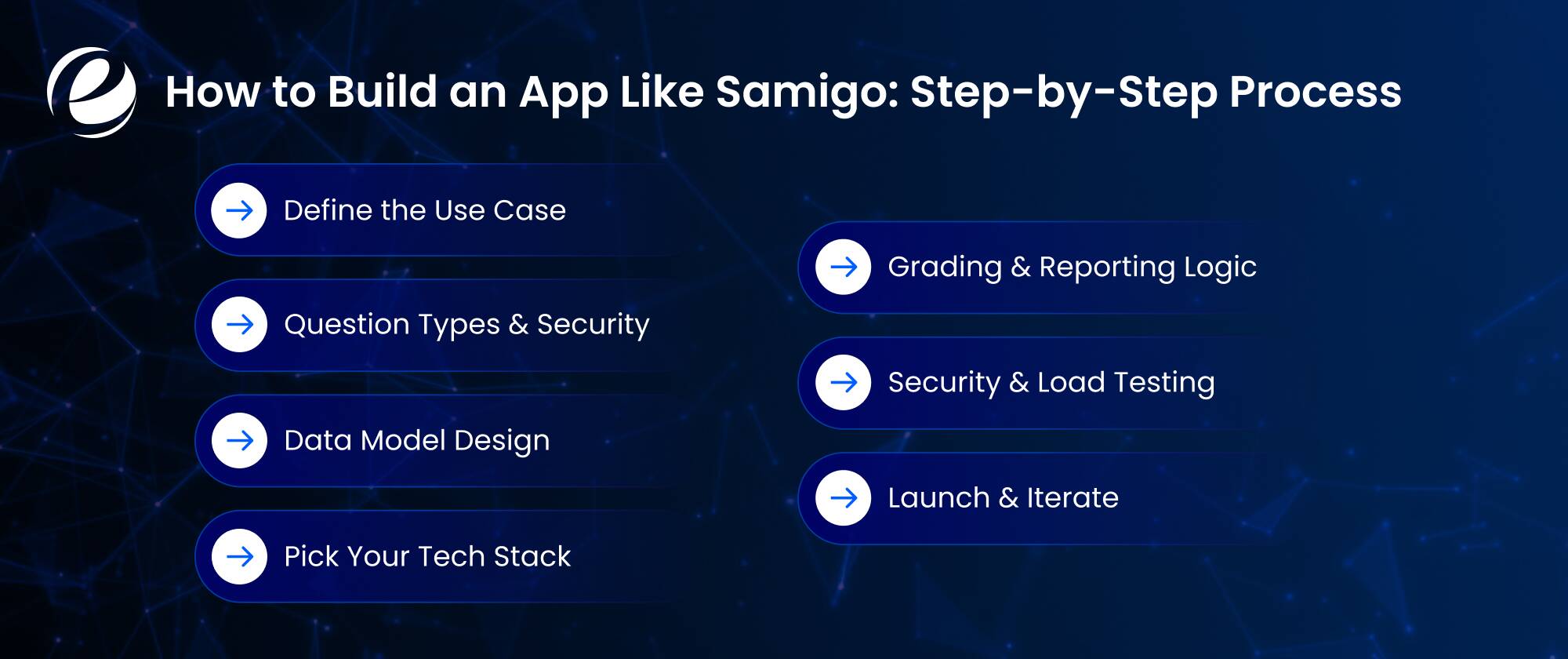
Building something like the Samigo app isn’t complicated once you break it into stages, though it’s definitely not a weekend project either:
- Define the Use Case: Academic exams, corporate training, certification, or lead-gen quizzes each one pulls your feature list in a different direction.
- Question Types & Security: Which formats do you actually need (multiple choice, essay, file upload, timed sections), and what protections matter (IP locking, randomization, proctoring)?
- Data Model Design: Question banks, pools, user roles, attempts, and grading rules: Get this schema right before writing a single line of frontend code.
- Pick Your Tech Stack: Most teams pair a scalable backend with solid mobile app development practices so tests work just as well on a phone as a laptop.
- Grading & Reporting Logic: Auto-scoring for objective questions, manual review for essays, and all of it syncing cleanly with whatever gradebook or CRM sits downstream.
- Security & Load Testing: Load-test for exam-day traffic spikes and pen-test for the obvious cheating tricks before real students or employees ever touch it.
- Launch & Iterate: Pilot groups always find UX problems that never showed up in internal testing every single time.
Timelines swing a lot depending on scope. A basic quiz tool with a few question types might take a couple months. A full exam-security setup with proctoring, analytics, and multiple user roles can easily run past six months once you factor in real testing.
Why Partner with EmizenTech to Build an App Like Samigo?

EmizenTech’s been building custom web and mobile apps across education, HR tech, and enterprise training for years now, so assessment platforms aren’t exactly new territory for the team. Instead of stretching some generic template to fit, their developers design question banks, grading engines, and security layers around what you actually need, whether that’s a Sakai-style academic tool or a gamified corporate quiz built from zero.
They also stick around for the whole thing: architecture, QA, and support after launch, so the app keeps running as more people start using it. That includes stress-testing for exam-day spikes, setting up proper role-based access for admins and instructors and test-takers, and building dashboards that make the data useful instead of just there.
And if you’d rather not build a permanent in-house team for this, you can hire mobile app developers through EmizenTech project-by-project or as a dedicated team, scaling up or down depending on where you’re at. That flexibility tends to matter most right after launch, when you’re still figuring out what people actually want from the thing.
Conclusion
The Samigo app is still one of the more reliable tools inside the Sakai world, free enough and locked down enough for serious exams, even if it’s never going to compete with Kahoot! on the fun factor. Whether you stick with what Sakai gives you, switch to one of the ten alternatives above, or go the custom-build route, it really comes down to who’s taking the test and what you actually need out of the results. For context, the global online assessment software market sits at roughly $5.31 billion in 2026 and is expected to hit $9.03 billion by 2030, which says a lot about how much demand there still is for tools like this and everything trying to compete with it.
FAQs
Is the Samigo app free to use?
Yes. It comes bundled with Sakai, which is open-source, so there's no license fee tacked on. Schools pay for hosting and IT time, not for the tool itself.
Can I use the Samigo app without Sakai?
No. It's built directly into Sakai's course structure and was never sold as a standalone product, so you need Sakai running to get any use out of it.
What's the biggest downside of the Samigo app?
It's stuck to Sakai; it has zero gamification (no leaderboards, no avatars), and someone still needs to handle hosting and IT, which makes it less flexible than most standalone quiz tools out there.
Which alternative works best for gamified learning?
Kahoot! and Quizizz (Wayground) are the go-to picks for leaderboards, avatars, power-ups, and the whole game-like package that a plain grading tool just wasn't designed for.




 +1 (989) 535-9295
 info@emizentech.com
 emizentech


