
 Add us as a preferred source on Google
 A golf swing analyzer has quickly become one of the most useful tools in a golfer’s bag, and not the clubs, but the phone. What used to require a Tour-level coach, a launch monitor, and a lot of money can now be done in seconds with a smartphone camera and the right app.
These tools break your swing into phases, flag exactly where your mechanics go off-plane, and hand you a specific drill to fix it, all before you’ve hit your next ball. In this guide you will learn how these apps actually work and which ones are worth downloading.
What Is a Golf Swing Analyzer and How Does It Work?
A golf swing analyzer is a mobile app sometimes paired with a little wearable sensor that records or tracks your swing and turns it into feedback you can actually use: swing plane, tempo, clubface angle, wrist position, and that sort of thing. Most of the good ones use computer vision to map your joints and the club through the swing, frame by frame.
Once you’ve got the video, the app chops the motion into phases: setup, backswing, top, downswing, impact, and follow-through, then measures each one against biomechanical benchmarks or footage of pros. It’ll flag exactly where you’re drifting off-plan.
Some go a step further and layer AI coaching on top, so instead of just showing you the problem, it tells you which drill to run. That’s really the gap between an app that just measures your swing and one that helps you analyze your golf swing in a way that turns into actual, repeatable progress.
The decent ones also get smarter the more you use them. Every swing you upload builds toward a history, so you’re not just looking at one clip in isolation; you get a trend line. Proof that the change you made three weeks ago stuck, or a heads-up that an old habit is sneaking back in.
Why Use a Golf Swing Analyzer App?
Lessons cost money, and range time without a plan is mostly just repeating the same mistakes at volume. A swing analysis app fills that gap; you get instant, honest feedback every time you swing, not once a month when you happen to see your coach.
Here’s what a golf swing analyzer app actually solves for:
- Removes Guesswork: No more relying on “feel”; you can see, frame by frame, where your clubface, path, or tempo actually breaks down.
- Tracks Progress Over Time: Any decent app in this space lets you stack today’s swing against last month’s, so improvement isn’t a hope; it’s a video sitting right next to a number.
- Make Practice Actually Count: Instead of hitting 200 balls with no direction, you work on one thing with a drill attached to it.
- Fills the Space Between Lessons: Many golfers now use a swing analyzer golf tool to send clips to their coach mid-week so feedback isn’t stuck in a once-a-month cycle.
- Costs Less Than the Hardware: A full-swing lab or launch monitor can run into the thousands; most of these apps are free or under $20 a month.
- Works Pretty Much Anywhere: Range, a backyard net, or even an indoor mat all you really need is room to swing and something to prop your phone against.
For golfers who’ve been stuck at the same number for a while, this kind of quick, repeatable feedback is often what actually breaks the plateau, not more range balls, just smarter ones. It changes how practice feels, too. Instead of walking off the range wondering what went wrong on that one shank, you leave with a clip, a number, and something specific to work on next time.
Key Features to Look for in a Golf Swing Analyzer
Not every golf swing analyzer app in this space is built the same, and the gap between a mediocre one and a genuinely useful one usually comes down to a short list of things:
- Accurate Motion Tracking: It should hold up in normal range lighting, not just some perfectly lit studio demo.
- Phase-by-phase Breakdown: Set up all the way through to the finish, not just one freeze-frame at impact and nothing else.
- Side-by-side Comparison: Ideally frame-synced against a past swing or a pro’s, not just two clips awkwardly playing next to each other.
- Actual Coaching, Not Just Numbers: Metrics are useless if the app can’t tell you what to do with them.
- Cross-device Sync: So your history follows you from your phone to your coach’s tablet without starting from zero.
- Drill Libraries: Something tied to your specific flaw, not a generic “work on your swing” tip.
- Privacy and On-device Processing: More golfers care about this than you’d think; nobody wants their swing footage sitting on some random server.
- Apple Watch or Sensor Support: Increasingly common, and honestly handy for tempo and impact timing without even opening the app.
If an app is missing more than one or two of these, it’s probably still just a fancy video recorder with an AI sticker slapped on it; fine, but not the full picture.
Top 5 Golf Swing Analyzer Apps in 2026
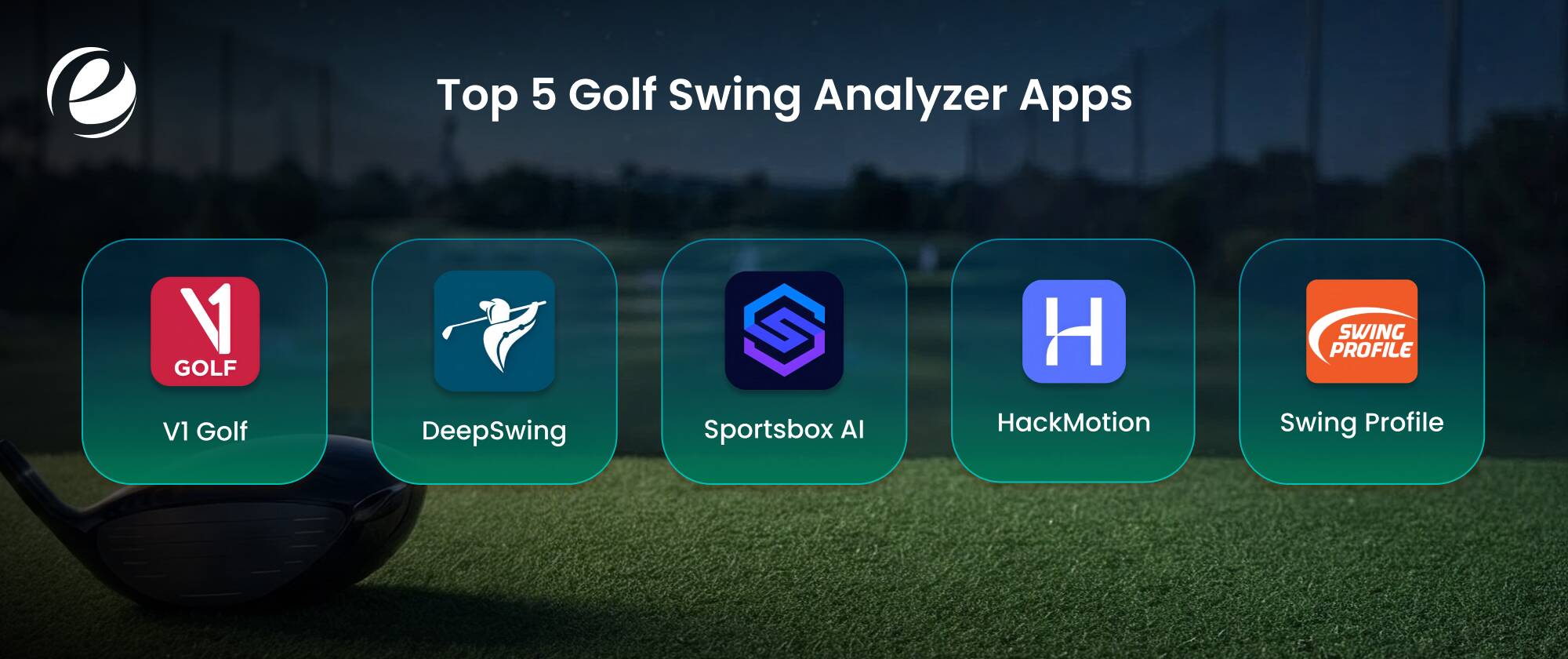
Here’s the list that actually points to the right golf swing analyzer app: the five that are consistently well-rated, still getting updated, and genuinely used by both golfers and coaches, not just downloaded once and forgotten.
1. V1 Golf
V1 Golf is still one of the most trusted names in the field, and it’s usually the first choice for anyone who wants proper video analysis. High-speed slow motion, skeletal tracking overlays, and a huge library of pro swings to compare against. The QuickFix tool gives you fast feedback mid-session, and the built-in coach messaging makes it a solid pick if you’re working with an instructor remotely instead of in person.
2. DeepSwing
DeepSwing has quickly become one of the best options for training on your own, no coach required. It uses on-device AI to break your swing into phases, score it, and identify the single change that will have the biggest impact. Live coach voice feedback and a synced compare mode make it feel less like a camera and more like an actual coach standing behind you, which is probably why it’s been getting such strong reviews this year.
3. Sportsbox AI
Sportsbox AI is worth mentioning as an AI golf swing analyzer built around full 3D biomechanics instead of flat video. It takes a normal 2D phone clip and turns it into a rotatable 3D model that shows pelvis sway, spine angle, and shoulder tilt, providing the kind of detail that used to require lab equipment. If you’re the type who wants to go deep on body mechanics rather than just watching ball flight, this one’s for you.
4. HackMotion
HackMotion does things differently: a wrist sensor paired with the app tracks flexion, extension, and deviation since that’s really what controls your clubface at impact. If you’re fighting a slice, a hook, or just can’t seem to keep your face control consistent, this one’s genuinely useful, with real-time audio cues so you’re not staring at your phone between shots.
5. Swing Profile
Swing Profile goes for speed over depth. Hands-free auto-capture, instant replay, and solid coach-student tools it’s the one people reach for when they just want to record cleanly without wading through charts. Among today’s golf swing analyzers, it’s honestly one of the easiest to hand to a beginner, which is probably why it shows up so often in group lessons.
Put those five together and you’ve basically got every angle a golfer might search for raw video and pro comparisons, AI coaching, wearable precision, or just fast, no-fuss recording for every range session.
Quick Comparison Table: Best Golf Swing Analyzer Apps
If you are still finding it confusing to select a suitable golf swing analyzer app for yourself, then you can check this table for a better view that differentiates these apps:
| App | Best For | Hardware Needs | Platform | Price Model |
| V1 Golf | Video analysis and coach sharing | Phone only | iOS, Android | Free + Subscription |
| Deep Swing | AI-guided independent training | Phone only | iOS, Android | Free + Subscription |
| Sportsbox AI | 3D biomechanics | Phone only | iOS, Android | Subscription |
| HackMotion | Wrist & clubface control | Wearable sensor | iOS, Android | One-time + app |
| Swing Profile | Fast, hands-free capture | Phone only | iOS, Android | Free + premium tier |
Use this table as a starting point; the right pick depends on whether you care more about video depth, AI coaching, 3D body mechanics, wrist precision, or just keeping things simple.
Thinking About Building Your Own Golf Swing Analyzer App?
This category is still growing quickly. Industry data pegs AI-enabled analytics as the fastest-growing piece of the broader golf tech market, expected to grow at a 12.03% CAGR from 2026 to 2031, according to Mordor Intelligence. That’s a pretty clear signal golfers and the brands trying to reach them are putting more money toward smart, camera-based coaching tools instead of just buying more hardware.
For golf brands, coaching platforms, or sports-tech startups, that’s a real opening. A well-built app here can anchor a subscription business, extend an existing golf course or retail brand into someone’s daily practice routine, or simply operate as a standalone SaaS product aimed at self-taught players.
If you’re already working in golf mobile app development, adding AI swing analysis is a fairly natural next step rather than starting from scratch; a lot of the mobile infrastructure, accounts, and video handling can just carry over.
The ones that actually succeed tend to pick a clear lane instead of trying to cram in every feature at once, like deep video in V1 Golf, AI coaching like DeepSwing, and sensor precision like HackMotion, and build outward from there once they’ve got users who stick around.
How to Develop a Golf Analyzer App – Steps and Cost
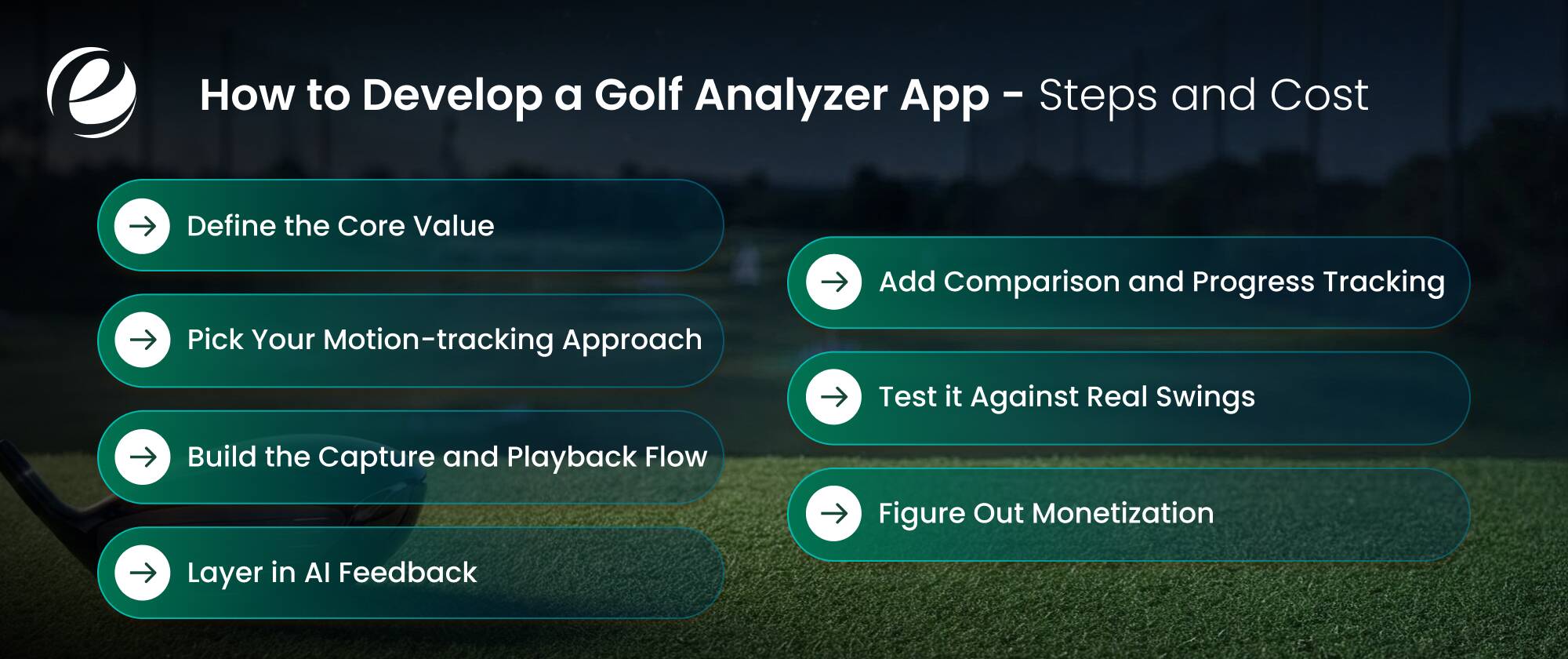
This is not something you can complete in a weekend. It’s a mix of mobile engineering, computer vision, and some actual sports-science input. Here’s roughly how it plays out:
- Define the core value: Is it video-first (V1 Golf), AI-coaching-first (DeepSwing), or hardware-paired (HackMotion)? This one decision shapes basically everything downstream, from the data pipeline to the UI.
- Pick your motion-tracking approach: Most apps now use pose estimation and run on-device or in the cloud instead of needing a dedicated sensor, keeping the barrier to entry low for casual users.
- Build the capture and playback flow: Hands-free recording, auto-trim, slow-motion replay none of that’s a differentiator anymore; it’s just expected, so it needs to feel effortless.
- Layer in AI feedback: This is where most of the real engineering money goes: training or fine-tuning models to turn raw pose data into a phase breakdown and plain-language coaching notes.
- Add comparison and progress tracking: People stick around when they can see swing-over-swing improvement, not just one session’s numbers floating on their own.
- Test it against real swings: Different body types, swing speeds, clothing, and lighting require heavy field testing before launch, ideally across a range of handicaps, not just a few good players.
- Figure out monetization: Freemium with a paid coaching or 3D tier is basically the norm in this space now, sometimes alongside a one-time hardware cost for sensor-based apps.
Are you wondering how much it costs to develop a golf swing analyzer app? Then here is a general cost estimate for this type of app:
- Basic Video Analyzer: $20,000 – $40,000
- AI & Computer Vision: $70,000 – $150,000
If your brand already runs course-facing tech, this pairs pretty well with a broader golf course management software development push tying swing data into booking, coaching, and membership systems instead of running it as a totally separate app.
Why Choose EmizenTech for Golf Swing Analyzer App Development?

EmizenTech has shipped mobile products across sports and fitness, and there is a real difference between knowing what that means and merely claiming it; our team understands what separates an app that is opened once from one that golfers actually keep using season after season. AI/ML integration, computer vision, and native iOS and Android builds; that’s the exact stack this category needs from day one.
Working with a team that’s already put in the hours on golf mobile app development company projects means you’re not explaining swing mechanics from scratch on day one, and the product calls capture flow, coaching UX, drill libraries, and how you price it, which come from having seen what already works elsewhere.
If you’re weighing something adjacent, EmizenTech’s broader mobile app development work covers the full run, from MVP through a scaled cross-platform product, with support after launch as your user base and data pile up.
Conclusion
If you’re just trying to fix your swing without waiting for your next lesson, start with V1 Golf for real video work, DeepSwing if you want AI-guided training on your own, or HackMotion if clubface control is specifically your issue. Any of these beats a phone propped against a bag with no real feedback loop, and most let you try things free before deciding if a paid tier is worth it.
If you’re building in this space instead of just using it, the opportunity’s real, but people only stick around when the AI feedback is actually accurate and the coaching feels specific instead of generic. That’s the bar every app on this list has had to clear, and it’s the bar anyone new to this needs to hit too, no matter how impressive the interface looks on day one.
FAQs
Is a swing analysis app worth it for beginners?
Yes, probably more than for anyone else. Beginners get the most out of these apps because grip, posture, and tempo issues get caught early, before they turn into habits that are genuinely hard to unlearn later.
Can this kind of app replace a golf coach?
Not really. It's a strong add-on; instant feedback between lessons is great, but a human coach still reads context, adjusts for your specific body, and catches things AI just doesn't see yet.
Do I need extra hardware for an AI-powered swing analysis app?
Most of the top ones, V1 Golf, DeepSwing, and Sportsbox AI, only need your phone's camera. Wrist-focused tools like HackMotion do need a paired sensor if you want full accuracy.
How much does it cost to develop a golf swing analyzer app?
A basic version starts around $25,000–$40,000. A fuller AI-powered app with pose tracking and coaching built in typically runs $70,000 to $150,000 or more, depending on scope.



 +1 (989) 535-9295
 info@emizentech.com
 emizentech


