
 Add us as a preferred source on Google
Having trouble picking between Zapier vs Power Automate for your next automation project? Well, you’re not the only one; most teams get tangled up in the same things, like pricing, integrations, and ease of use before making a decision.
And the global iPaaS market was valued at around $14.50 billion in 2025 and is expected to hit $38.07 billion by 2032, moving at a 15% CAGR (source: OpenPR), proving automation isn’t optional anymore.
So whether you’re looking at Zapier compared to Power Automate for a lighter startup setup or you’re weighing Power Automate against Zapier for a larger enterprise Microsoft setup, this guide covers everything that matters most, like architecture, costs, and real-life scenarios. That way you can land on the right choice with no guesswork.
Core Architecture: How Zapier and Power Automate Differ Under the Hood
Zapier and Power Automate can seem alike at a glance, but underneath, the architecture is like, totally different. When you get that base layer right, it becomes clearer why one feels lightweight, and the other feels more enterprise-ish, more structured.
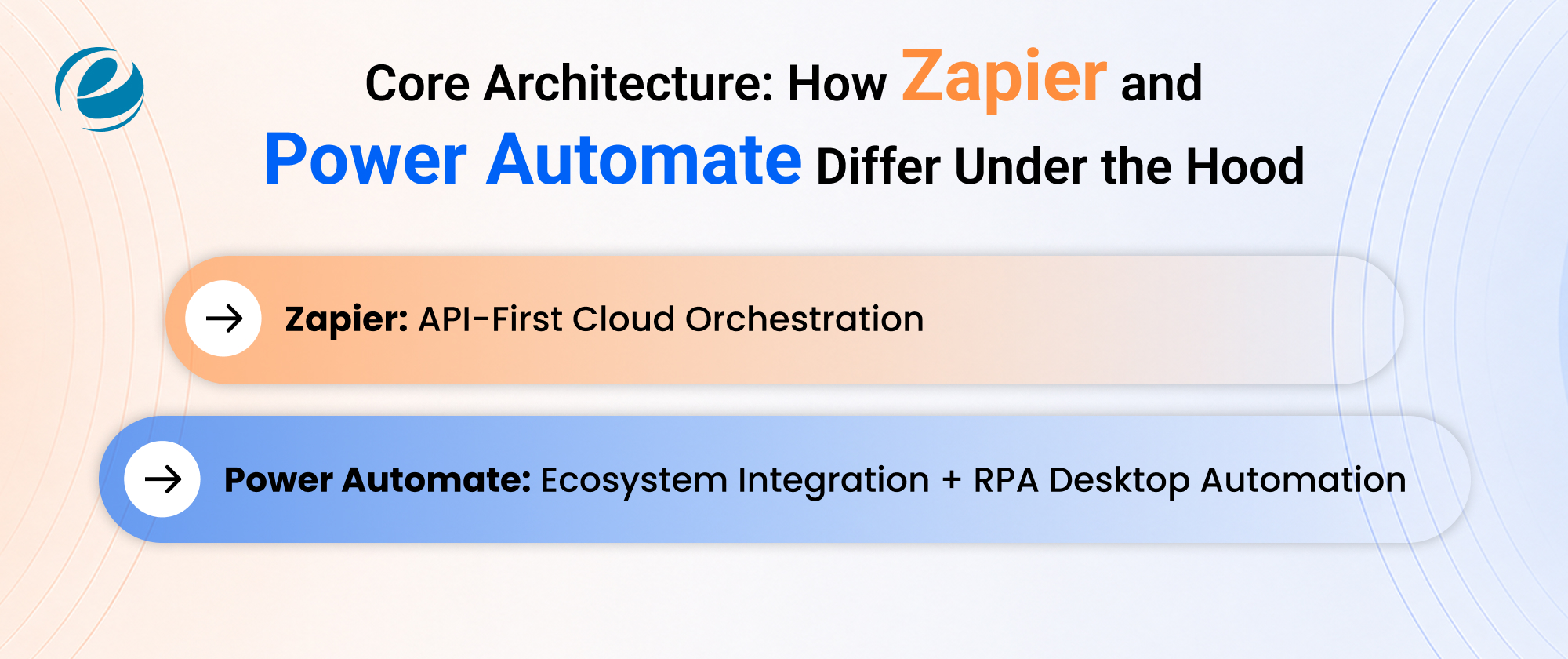
Zapier: API-First Cloud Orchestration
Zapier is API-first, which basically means it connects and orchestrates workflows through cloud APIs plus webhooks only. No servers, no extra infrastructure to wrangle. That approach keeps things responsive and also makes it easier for teams
- Serverless Core: Zapier leans on a fully serverless backend, so there’s nothing for you to configure, really. Each Zap runs on Zapier’s managed cloud the moment the trigger goes off.
- Webhook-Driven Triggers: For instant automation, Zapier leans on webhooks that send the signal the moment the event happens in the linked app. So instead of waiting around for scheduled polling, you tend to get near real-time behavior.
- Stateless Task Execution: Each step executes on its own, without shared memory between steps. That makes Zaps easier to troubleshoot, but it also means you can hit limits with advanced multi-branch logic.
- Third-Party API Abstraction: Zapier keeps a library of ready-made API wrappers for thousands of apps, so users are spared from raw API docs, tokens, and those authentication header details.
- Horizontal Scalability: Since the orchestration sits in the cloud, Zapier can scale horizontally as demand changes. Sudden spikes in triggered runs are handled without you having to think about server provisioning or capacity planning.
Power Automate: Ecosystem Integration + RPA Desktop Automation
Power Automate sort of takes another path, as it slips into Microsoft’s ecosystem, but still offers RPA to steer desktop applications that don’t have an API, connecting the cloud with older legacy tools
- Azure-Backed Infrastructure: Flows run on Azure Logic Apps under the hood, so you get enterprise-grade uptime, monitoring, and compliance that just comes along with Microsoft’s cloud stack.
- Attended vs Unattended RPA: Attended versus Unattended: Attended bots hang around on a user’s desktop, waiting on human prompts or triggers, while unattended bots run on their own inside virtual machines, with zero need for a human involved.
- Dataverse-Backed State: Flows can read and write to Dataverse, so you get persistent structured storage, unlike Zapier’s more stateless approach that can feel limiting for bigger business processes.
- UI-Level Automation: Desktop flows reach right for screen elements, buttons, and fields, letting Power Automate control legacy software that was never built with an API in the first place.
- Connector Tiering: Connectors are split into standard and premium, so reaching things like SQL Server or Salesforce needs a paid license in addition to the basic free Microsoft 365 bundle.
Zapier vs Power Automate: Key Differences at a Glance
Beyond architecture, the everyday differences nudge you toward whichever tool feels right for your team. Here’s a quick, not-too-perfect look at how Zapier and Power Automate stack up for usability, integrations, logic depth, and enterprise readiness.
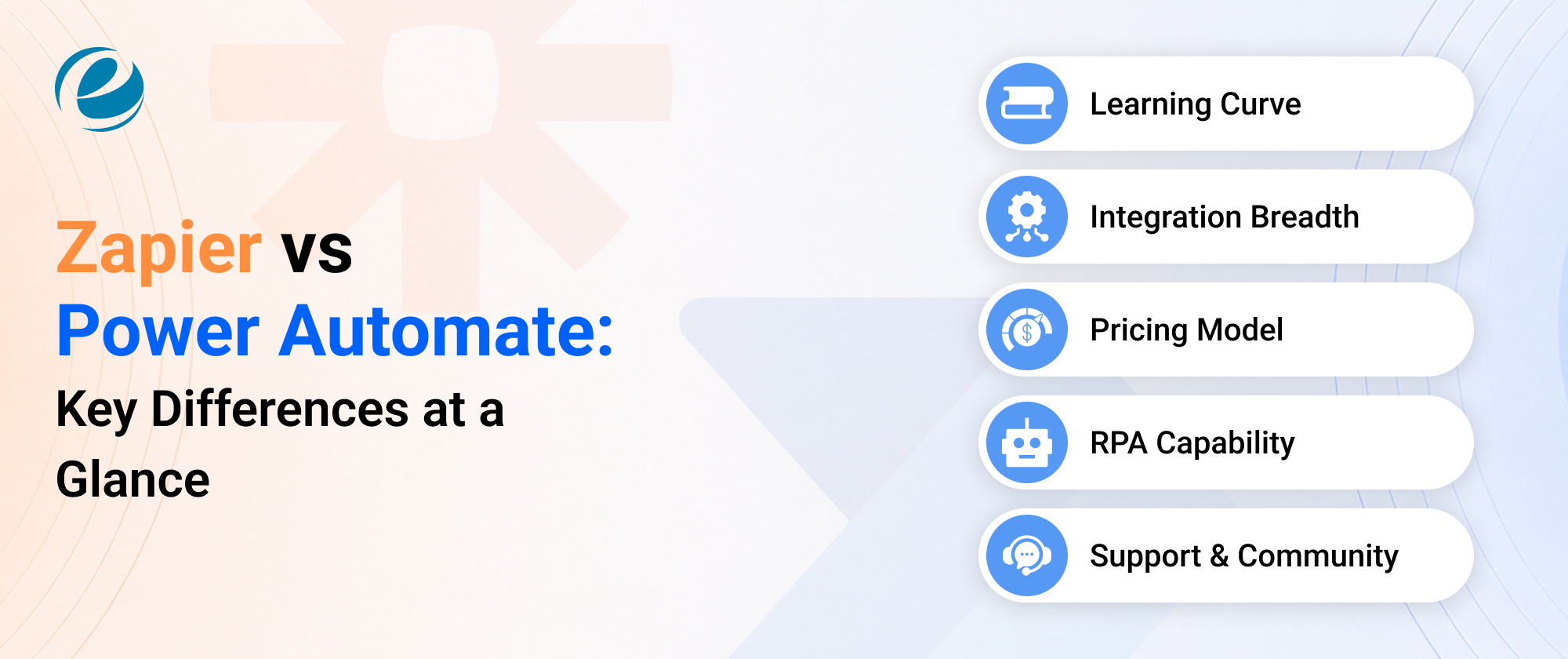
1. Learning Curve
Zapier has a linear interface, fairly beginner-friendly, letting non-technical folks launch a Zap in minutes. Power Automate uses more layered menus, so it takes longer to get used to but rewards the investment with deeper control.
2. Integration Breadth
Zapier brings 8,000-plus app connections for wider SaaS reach, while Power Automate, with its 1,500-plus connectors, goes a bit deeper into Microsoft and larger enterprise systems. So it’s kind of a breadth versus depth situation, and that matters if you’re looking at AI integration services too.
3. Pricing Model
Zapier’s per-task pricing rewards the lean, occasional automations, while Power Automate’s per-user or per-bot pricing tends to reward the high-volume, across-the-whole-organization rollouts. So the right fit is more about your actual usage pattern, not just the sticker price.
4. RPA Capability
Only Power Automate includes native desktop RPA right away. Zapier can trigger browser automation with the help of partner apps, but it’s not aimed at legacy software control.
5. Support & Community
Zapier’s help center and template library push fast self-serve learning but also SOC 2 and GDPR compliance so the usual data stays protected. Power Automate leans on Microsoft’s enterprise support levels and a large partner ecosystem and then deeper certifications like HIPAA and ISO 27001, along with Azure’s zero-trust security model, so it tends to be the stronger pick when rollouts touch regulated data, or you need careful compliance sign-off.
Quick Comparison Table: Power Automate vs Zapier
Here’s a side-by-side snapshot covering pricing, integrations, and common use cases. Pair it up with our automation in ecommerce complete guide if you’re comparing these platforms, specifically for ecommerce workflows.
|
Aspect |
Zapier |
Power Automate |
| Best For | Fast, no-code automation across diverse SaaS apps | Microsoft-centric enterprises needing RPA and governance |
| Pricing Model | Per task, monthly tiers | Per user (Premium) or per bot (Process) |
| Free Plan | 100 tasks/month, 2-step Zaps only | Basic flows bundled with Microsoft 365 |
| App Integrations | 8,000+ apps | 1,500+ connectors, deepest within Microsoft stack |
| Learning Curve | Beginner-friendly, linear builder | Steeper and more powerful once mastered |
| Workflow Logic | Multi-step Zaps, filters, paths | Loops, approvals, complex conditions |
| RPA / Desktop Automation | Limited, via partner apps | Native and unattended RPA |
| AI Features | AI Copilot for prompt-based building | AI Builder for document and form processing |
| Security & Compliance | GDPR, SOC 2, CCPA | HIPAA, ISO 27001, GDPR, SOC 2, Azure zero-trust |
| Ideal Team Size | Small to mid-size teams | Mid-size to enterprise organizations |
Pricing Breakdown & Hidden Total Cost of Ownership (TCO)
Here, what Zapier and Power Automate cost per month often turns into a different number once you look closer, plus those weird hidden expenses that slowly grow your automation budget over time.
|
Plan Tier |
Zapier |
Power Automate |
| Free | Free — 100 tasks/month | Free — basic flows with Microsoft 365 |
| Entry Paid | Professional — $19.99–$29.99/month (750 tasks) | Premium — $15/user/month (annual only) |
| Mid-Tier | Team—$69–$103.50/month (2,000 tasks) | Process — $150/bot/month (unattended RPA) |
| Advanced / Enterprise | Enterprise — custom pricing | Hosted Process — $215/bot/month; Process Mining add-on — $5,000/tenant/month |
Hidden Costs to Consider:
Task Overages: Task overage fees can be charged by Zapier once multi-step Zaps go beyond the monthly task cap.
Per-Seat Scaling: For Power Automate, the per-user Premium licensing stacks quickly, especially when you roll automation out across large departments.
Premium Connectors: Power Automate premium connectors, like Salesforce, SAP, and SQL Server, usually mean you need the paid tier, not the free Microsoft 365 bundle.
Multi-Step Task Counting: Zapier counts each action inside a multi-step Zap as its own task, so complex workflows burn through task limits fast.
Process Mining Add-On: Standardize Automated Mining Process comes in at $5,000 per tenant per month, and it’s an enterprise-only add-on many buyers overlook.
Real-World Use Cases: When to Choose Which?
Choosing the right platform isn’t just about budget, but how your day-to-day workflows actually run. Below are five real-world use cases that show when Zapier’s simplicity wins and when Power Automate’s enterprise depth makes more sense.
1. Small Ecommerce Marketing
A smaller ecommerce store that needs to connect Shopify, Klaviyo, and Google Sheets is a good match for Zapier. Check out our automation in ecommerce complete guide for store-specific workflow templates and some setup tips.
2. Enterprise Approval Chains
For large organizations handling multi-tier purchase approvals across SharePoint and Dynamics 365, Power Automate tends to feel more natural. You get native connectors, structured governance, and built-in Dataverse audit trails for compliance teams.
3. Startup With Mixed SaaS Stack
In the Zapier vs Power Automate debate for startups juggling HubSpot, Slack, and Stripe, Zapier typically wins because it links everything together without custom connectors and IT involvement.
4. Legacy Back-Office Processing
Insurance and finance teams modernizing paper-based claims or invoices often lean toward Power Automate’s desktop RPA plus AI Builder. That combination helps extract data from older systems without forcing a full replacement.
5. Marketing Agencies
Agencies that manage many client accounts usually like Zapier’s quick setup and the massive app library because several client tools like Mailchimp or Canva aren’t natively supported inside Power Automate.
Final Decision Matrix: Which Automation Platform Fits Best with Your Specific Workflow?
Still torn between the two? This matrix cuts through the noise and somehow settles it by looking at team size, technical skill, the budget, and also how deep your automation needs to go inside Microsoft’s ecosystem.
1. Non-Technical Team
If you’ve got no developers and you want quick wins, pick Zapier; the visual builder and a huge template library let you get automations running within the same afternoon.
2. Microsoft-Heavy Organization
If your organization now lives in Microsoft 365, Teams, and SharePoint, Power Automate feels like the obvious move because licensing and connectors are often already included.
3. Tight Budget, Simple Workflows
When funds are tight and the workflows are basic, the Power Automate vs Zapier call comes down to task volume. Zapier’s free plan covers light, occasional automation needs.
4. Legacy RPA Requirement
If your workflow involves older desktop software that doesn’t expose APIs, then only Power Automate’s RPA capability can realistically handle it. Zapier doesn’t have a true desktop automation option.
If you’re still not sure which platform matches your exact setup? Working with a team that offers AI consulting services can help you map your workflows first, before you commit to either tool.
Conclusion
Choosing between Zapier and Power Automate comes down to your tech stack, your budget, and how comfortable you feel with the technical side. Zapier takes the edge on speed, app coverage, and overall b usability, especially for teams with no developers, whereas Power Automate gives you the stronger Microsoft integration, native RPA, and more enterprise-style control.
Neither one is always the “better” option, as it’s more about what your automations actually look like. If your workflows mostly need wide SaaS connectivity, Zapier tends to fit. If you’re trying to automate with Microsoft first and you need support for older or legacy systems, Power Automate is the stronger choice. Many growing businesses end up using both: Zapier for outside apps and Power Automate for internal processes.
FAQs
Is Power Automate cheaper than Zapier?
Well, it really depends on how much you use it. Power Automate’s $15 per user premium plan is often cheaper for teams that live inside Microsoft; Zapier can come out cheaper when the automations are light in the Zapier vs Power Automate comparison.
Can Power Automate replace Zapier completely?
Not entirely. Power Automate does a good job for Microsoft-centric workflows, and the desktop RPA side is strong too. Still, it lacks Zapier’s massive 8,000-plus app library. So if you need lots of non-Microsoft integrations, still keep Zapier alongside Power Automate.
Which is easier to learn, Zapier or Power Automate?
Zapier tends to appear easier for beginners because the setup is a more linear trigger-action and no-code interface. Power Automate is a little harder to learn, but once you get it, you get more logic and control.
Does Zapier work with Microsoft 365?
Yes, Zapier can connect with Outlook, Teams, SharePoint, and OneDrive using its integrations. It’s not as embedded as Power Automate, but it still works well for teams that mix Microsoft 365 with other apps.
Can I use Zapier and Power Automate together?
Yes, many teams run both. Power Automate handles the internal Microsoft stuff, while Zapier connects external SaaS tools. That way businesses get flexibility and keep both options open, rather than locking into only one platform.




 +1 (989) 535-9295
 info@emizentech.com
 emizentech


