
 Add us as a preferred source on Google
 Every growing business hits the same wall with its CRM and the bill keeps climbing, yet the platform never bends to how the team sells.
Adding a user means paying more, and requesting a custom field often means waiting months for vendor approval. Customer data sits locked inside someone else’s proprietary system, and switching later means starting over from nothing.
These frustrations are why thousands of businesses are turning to open source CRM, where the code stays visible and the software adapts to the business instead of the reverse.
According to Coherent Market Insights, this market was valued at USD 3.92 billion in 2026 and is expected to grow to USD 9.22 billion by 2033 with a growing CAGR of 13.0%. This guide covers the leading platforms, true costs and how to choose the right fit.
What is an Open Source CRM?
An open source CRM is software whose source code is publicly accessible, allowing anyone to freely view, download, modify and distribute it.
Unlike proprietary platforms such as Salesforce or HubSpot that restrict code access, and charge recurring per-user fees, CRM open source gives businesses absolute control over their software infrastructure, data ownership and feature customization.
Worth Reading: What CRM and CRM software actually mean
How Open Source CRM Differs From “Free” CRM
The primary difference is that open source CRM gives you access to the source code to modify and host yourself, while a “free” CRM is proprietary software that costs nothing to use but restricts code access and limits features or users.
Open Source CRM Market at a Glance
The Open Source CRM Software market is the entire business space of all such software, users and providers, which is rapidly expanding in the sector of customer relationship management, valued at approximately USD 3.78 billion in 2026 and projected to surpass USD 11.04 billion by 2035. (source: researchnester)
Unlike proprietary SaaS platforms, open-source CRM software grants public access to its source code, allowing complete ownership, zero vendor lock-in, and total data control.
Open Source CRM vs Proprietary CRM
The primary difference is that open source CRM gives you access to the source code to modify and host yourself, while proprietary CRM software costs nothing to use but restricts code access and limits features or users.
While open source CRM, and proprietary CRMs avoid initial licensing fees but they have entirely different business strategies.
| Features | Open Source CRM | Proprietary CRM |
| Code Access | Full access to modify and extend. | Closed system; strictly hidden code. |
| Pricing Structure | Free base code; pay for hosting/devs. | Subscription fees per user, per month. |
| Data Control | Complete ownership on your own servers. | Data stored on external vendor clouds. |
| Technical Overhead | High; requires IT/developer management. | Low; managed entirely by the provider. |
| Hidden Costs | Development, hosting, and IT upkeep. | Expensive paid tiers to unlock basic tools. |
Core Features of Open Source CRM Software
Open Source CRM software provides full access to source code, self-hosting capabilities, zero licensing fees and complete data ownership. The primary features include:
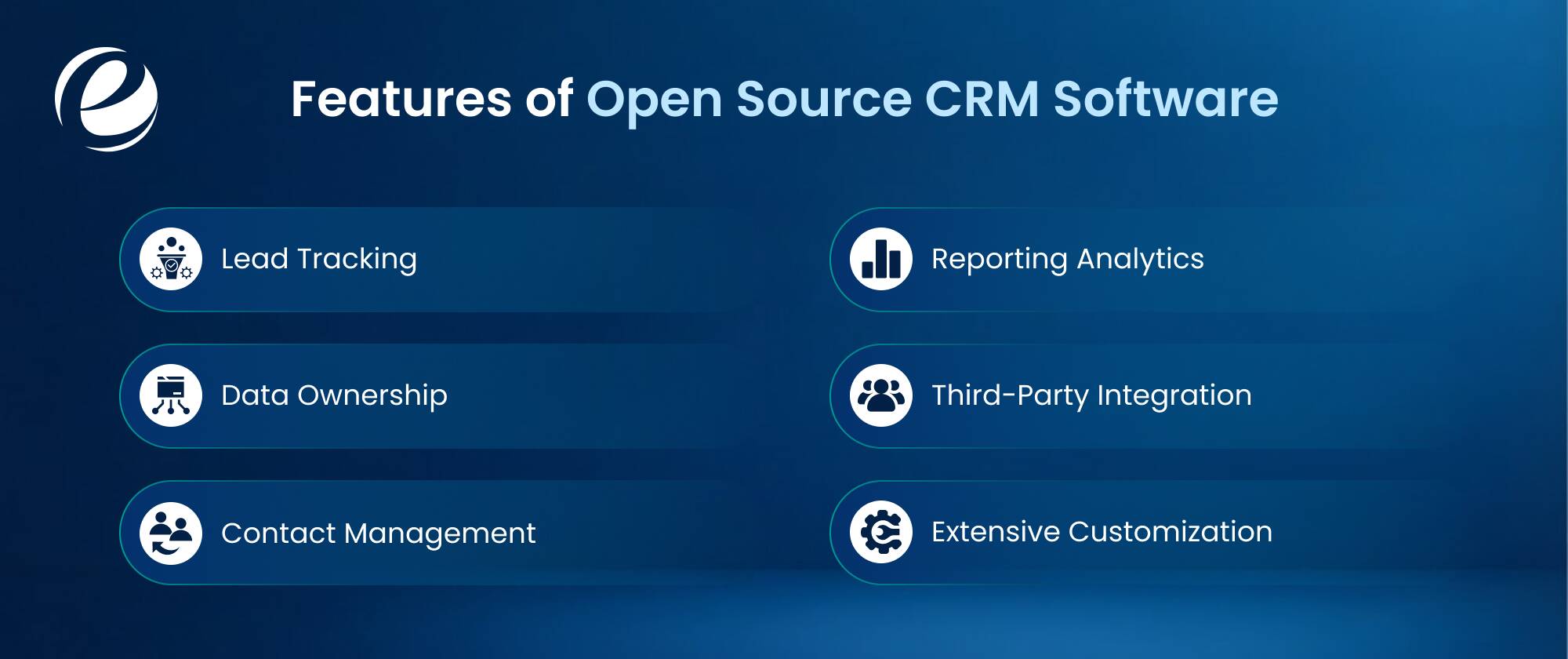
- Lead Tracking: Captures new prospects, moves deals through custom pipeline stages and monitors the sales pipeline.
- Data Ownership: Hosts software on private servers to provide maximum security, data privacy, and zero vendor lock-in.
- Contact Management: Stores customer profiles, interaction histories, and communication logs in a centralized database.
- Reporting Analytics: Generates real-time sales forecasts, visualizes data with custom charts, and tracks team performance.
- Third-Party Integration: Connects existing email servers smoothly, accounting & ERP software and marketing tools through open APIs.
- Extensive Customization: Modifies fields, designs custom dashboards and alters the source code to match unique workflows.
Deployment Options: Self-Hosted vs Cloud, Community vs Open-Core
Open source CRM deployment involves different hosting architectures and licensing models that shape control, cost and functionality.
Hosting Models: Self-Hosted vs Cloud Deployment
Self-Hosted Deployment (On-Premises / Private Infrastructure): You can install the CRM open source software on private servers or cloud infrastructure like AWS. This approach grants complete data ownership, adheres to strict privacy compliance and eliminates monthly subscription fees. However, the organization must handle all server maintenance, backups and security patches.
Cloud Deployment (SaaS / Managed Hosting): The software vendor or a specialized partner hosts the application, so your team can access the best open source CRM instantly through web browsers without managing infrastructure. This model reduces IT overhead and guarantees automatic updates, but requires recurring monthly fees and reduces direct server control.
Software Models: Community vs Open-Core
Community Edition: You can release full IT CRM open source code under a free and standard license. The global community drives updates, offer peer to peer support and fixes bugs. Users can access every available feature without paying the licensing fees, which are often under permissive licenses like MIT or Apache 2.0, but may lack advanced security configurations or enterprise administration tools.
Open-Core Model: Vendor provides a free, open source base layer but includes advanced features behind proprietary commercial licenses. Organizations pays the premium fee so you can unlock enterprise tools, advanced security modules and official technical support, but this comes with a trade-off that balances community accessibility with enterprise-grade monetization.
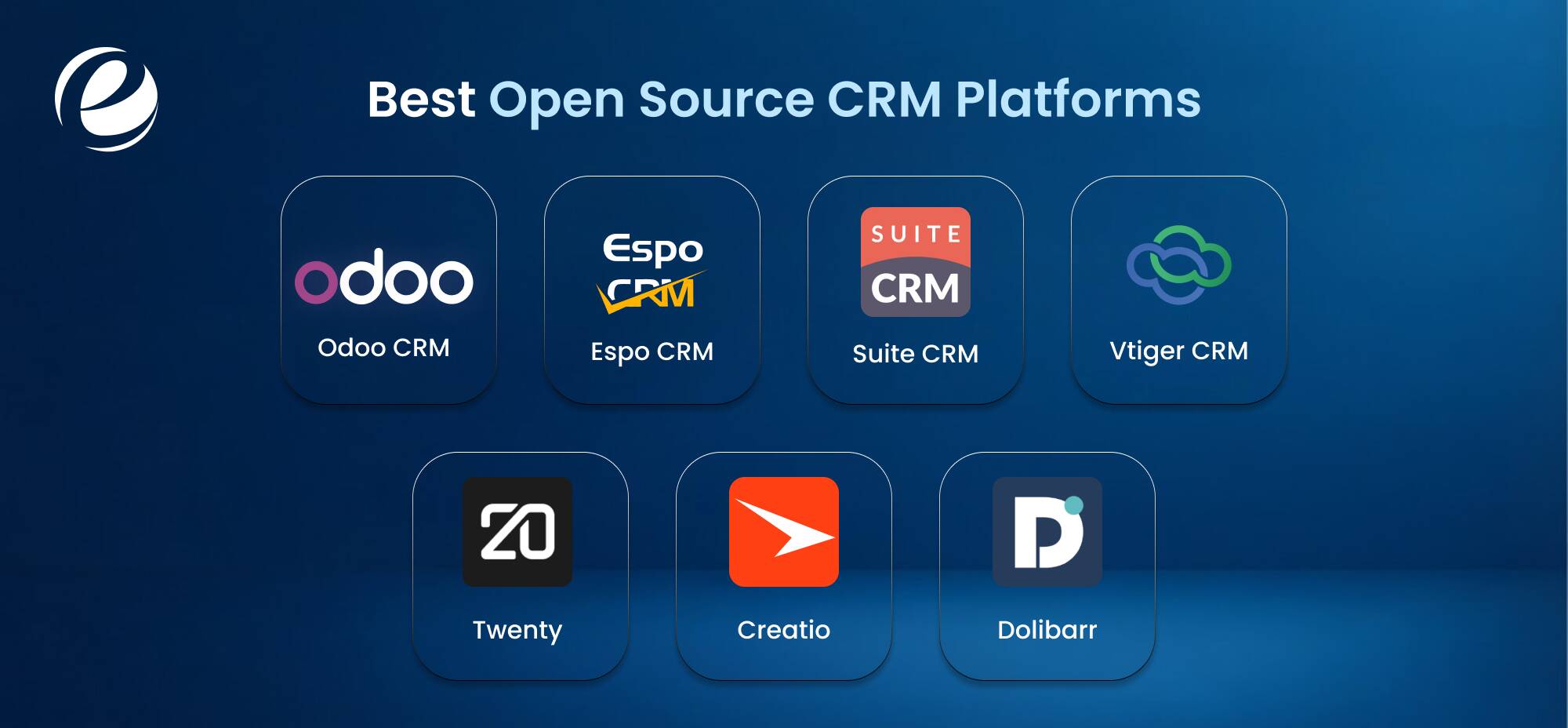
7 Best Open Source CRM Platforms in 2026
Choosing CRM software open source requires balancing data ownership, technical capability and long-term costs. The right choice depends on your existing infrastructure and business focus, and here is the breakdown of the 7 best open source CRM platforms in 2026:
1. Odoo CRM
- Best for: Businesses requiring an all-in-one ecosystem that scales from basic sales tracking to full-scale operations.
- Key strengths: This platform connects smoothly with thousands of native Odoo modules like inventory, accounting and e-commerce. The modular design lets you activate only the features you need and allows you to keep the interface clean while supporting complex enterprise workflows.
Teams who are building headless storefronts should also look into Odoo Headless Development. - Limitations: The community version lacks advanced features like full accounting, marketing automation and multi-company support. Upgrading modules between major versions often requires technical expertise, or paid assistance.
- Pricing: The self-hosted community edition ‘One App’ is completely free. The paid Cloud/Enterprise versions start at $24.90 to $49 per user/month, which unlocks all apps and hosting.
2. EspoCRM
- Best for: Fast-growing companies who want a lightweight, rapid interface with excellent custom API connectivity.
- Key strengths: This free open source crm uses a modern single-page application architecture that loads instantly. The robust REST API, and webhooks make it incredibly easy to sync with third-party software, while the built-in layout manager allows non-developers to customize fields and panels.
- Limitations: It focuses strictly on relationship management, and lacks built-in advanced tools like inventory management, complex project tracking or native call support.
- Pricing: The self-hosted core is entirely free. Cloud-hosted plans start at $15 per month with advanced feature extensions sold separately as one-time purchases.
3. SuiteCRM
- Best for: Enterprises that need a highly advanced, feature-rich, dedicated CRM without paying license fees to the vendors.
- Key strengths: SuiteCRM delivers enterprise-grade features out of the box, including deep workflow automation, advanced reporting modules and granular security controls. It handles heavy data structures and complex sales cycles effortlessly.
- Limitations: The user interface feels dated and slow compared to modern SaaS alternatives. Setting up and maintaining the system requires a significant learning curve and dedicated IT administration.
- Pricing: The software is 100% free open source crm. Hosted plans such as SuiteCRM Hosted start at approximately $165 per month for small teams (up to 10 users).
4. Vtiger CRM
- Best for: This crm software open source is ideal for mid-sized teams that want to unite their sales pipelines and customer support help desks into a single view.
- Key strengths: This bridges the gap between sales and service by combining contact management with a powerful ticketing system, service level agreements (SLAs), and a customer self-service portal.
- Limitations: The open source community edition receives less frequent updates than Vtiger’s cloud product, and the interface can feel overwhelming due to the sheer volume of fields.
- Pricing: The open source version is free to self-host. Their official cloud service (One Growth) starts at $12 per user/month for the standard tier when billed annually.
5. Twenty
- Best for: Modern development teams, and startups wanting a cutting-edge, developer-first alternative to Salesforce.
- Key strengths: This platform features a sleek, minimal interface built on a modern tech stack (GraphQL, React, and Node). It gives developers full control over data objects and provides a keyboard-shortcut-driven experience that mirrors modern productivity tools.
- Limitations: Because it is a relatively new and fast-moving project, it lacks the deep legacy feature set, extensive plugin marketplace and years of stability found in older platforms.
- Pricing: The software is entirely free and open source under the AGPL-3.0 license. Standard cloud-hosted plans begin at an affordable $9.00 per user monthly, and are billed annually.
6. Creatio
- Best for: This is the best open source crm for medium to large enterprises that want to build complex CRM workflows, using no-code visual tools.
- Key strengths: It features a world-class no-code platform (Studio Creatio) that allows business users to design automation workflows, custom user interfaces and machine-learning models without writing a single line of code.
- Limitations: While Creatio heavily promotes its composable architecture, the platform functions primarily as a proprietary commercial product, rather than a traditional open source project, restricting raw source-code access. If your team is looking into it, partnering with a Low Code Development Company can help you figure out if the licensing actually makes sense for your team.
- Pricing: Creatio uses a composable pricing model. The base platform starts at around $40 to $75 per user/month, with specific CRM modules (Sales, Marketing, Service) added on top for $15 per user/month.
7. Dolibarr
- Best for: Solopreneurs, freelancers, and small businesses looking for a lightweight, combined CRM, and ERP system.
- Key strengths: It operates on a strict “enable only what you want” architecture. You can turn on basic contact management today and enable invoicing, product catalogs, also shipping logs later as your business expands.
- Limitations: The visual design looks highly functional and lacks the polished, modern aesthetic of newer platforms. It is built for utility rather than complex, automated marketing funnels.
- Pricing: Completely free to download, and self-host. Cloud-hosted options via partners (like DoliCloud) start around $14 per month.
How to Choose the Right Open Source CRM
To select the best open source CRM, consider these deployment requirements that depend on whether you need a simple configuration or a heavily customized enterprise:
- User Scale & Growth: Track your current seat count and annual growth rate. Opt for lightweight tools for stable teams, but select highly scalable databases if staff doubles yearly.
- CRM vs. ERP: Determine if you need an isolated sales pipeline tool, or a unified platform. Systems like Odoo bundle CRM inside a broader ERP for easy accounting.
- Integration Ecosystem: Map out your required connections for eCommerce, helpdesk and telephony, also, make sure native modules or secure REST APIs exist to prevent costly custom middleware.
- DevOps Capability: Check whether you have internal engineering talent, as self-managing requires dedicated server maintenance; if you don’t have technical staff and are looking for an IT CRM open source option, you can hire a development partner.
- Hosting Architecture: Choose self-hosting on private servers for strict data residency compliance. Opt for vendor-managed clouds if you want to maximize deployment speed and uptime.
- Upgrade Resilience: Measure customization depth against basic updates. Heavily modified codebases risk breaking during major releases; pick platforms with modular systems.
- Three-Year TCO: Calculate total cost of ownership beyond licensing that includes hosting fees, developer salaries, training and support partner retainers over 36 months.
- Community Vitality: Check GitHub commits and release cadences. Active communities guarantee timely security patches, functional plugins and long-term project survival.
What Does an Open Source CRM Actually Cost?
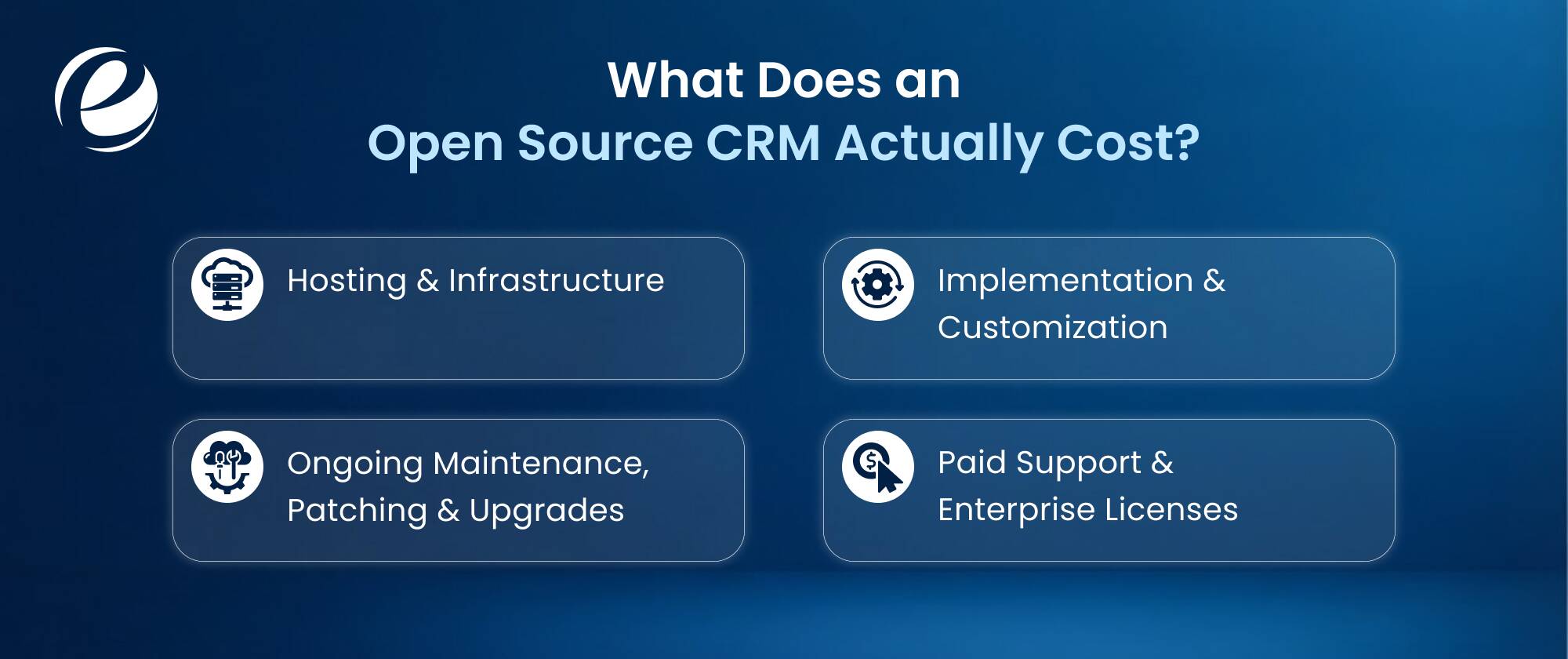
An open source CRM is free to download, but the actual total deployment cost runs $20 to $500+ monthly and depends on four main areas: hosting & infrastructure, implementation & customization, ongoing maintenance and optional paid support, or enterprise-edition licenses. While the software code costs zero dollars, running the system safely and effectively requires a real budget.
1. Hosting & Infrastructure
Expect $5 to $100+/month for cloud infrastructure (like AWS or DigitalOcean) to keep your system online. Costs scale with database size, storage needs and security extras like automated backups.
2. Implementation & Customization
Self-installation is free. However, hiring dedicated developers for data migration, API integrations, and custom workflow design costs $100 to $150/hour, which adds up quickly beyond a basic setup.
3. Ongoing Maintenance, Patching & Upgrades
Budget for 2-4 hours monthly for server maintenance. System upgrades, security patching and bug fixes require hiring dedicated CRM developers who can prevent data vulnerabilities and downtime.
4. Paid Support & Enterprise Licenses
While this domain is optional, official helpdesk support contracts or enterprise-edition licenses add $15 to $100/user/month. These unlock advanced features like audit logs, premium plugins and guaranteed troubleshooting SLAs.
Benefits of Open Source CRM
Open-source CRM software drives business growth through flexibility and control. Here we have discussed some of the listed benefits:
- Customizes Workflows: You can modify the source code to match unique business processes.
- Cost Efficiency: Companies eliminate expensive per-user licensing fees common in proprietary software.
- Secures Data: Businesses host the software on private servers to maintain full data ownership.
- Prevents Lock-in: You can switch hosting providers, or developers without losing software access.
- Integrates Easily: Open APIs connect the CRM smoothly with existing ERPs & databases.
- Community Support: Global developer communities continuously deliver security patches and new plugins.
By removing ongoing subscription fees, an open source CRM system allows teams to redirect budgets toward custom software development. This strategy transforms software from an ongoing operational expense into a long-term asset.
Challenges of Open Source CRM Systems and How to Handle Them
Open source CRM systems bring challenges like no vendor SLA, hidden TCO and security duties. We also discussed briefly how you can handle them in the table below:
| Challenges | Risk | Fix |
|---|---|---|
| No vendor SLA | Downtime with no guaranteed fix time. | Managed support contract with a partner. |
| Hidden TCO in hosting/DevOps | Server and upkeep costs grows fast. | Model out a 3-year TCO before choosing. |
| Security patching is on you | Missed updates lead to breaches. | Scheduled patch cycles and monitoring. |
| Customization breaks upgrades | Fixes fail after code changes. | Module-based dev, never core edits. |
| Thin docs on smaller platforms | Staff can’t fix rare bugs. | Proper handover docs and admin training. |
How Open Source CRM Implementation Works
Open source CRM implementation works by setting up and installing free source code onto local servers, or cloud hosts and then creating custom workflows, importing data & connecting external apps using APIs.
- Requirements: Map your CRM open source workflows, list the features you actually need and check your data security compliance.
- Platform Selection: Review source code quality, community developer activity and calculate total hosting costs.
- Configuration and Custom Modules: Build custom database schemas, write unique functional modules and connect external APIs.
- Data Migration: Remove legacy records, map fields to the new schema and then conduct validation tests.
- Training and Go-Live: Run user acceptance testing, train staff by role then execute the final production transition.
What Breaks Off Salesforce or HubSpot
- Custom Objects: Proprietary relational data structures do not map directly to open source SQL databases, forcing schema rebuilds to be done manually.
- Automation Logic: HubSpot workflows and Salesforce Flows can’t be exported, so developers have to rewrite all routing triggers from scratch. If you’re not sure whether to move away or stay put, you can see what a Salesforce Development Company can do for your current setup.
- Historical Activity Data: Basic timelines like email clicks and page views fail to transfer cleanly and much of it flattens into unreadable text.
Conclusion
Open-source CRM isn’t really about avoiding cost; it’s about avoiding constraints. When you own the code, you’re not waiting on a vendor’s roadmap to add a field or approve an integration; you’re building the system around how your team actually sells. That said, free open source CRM software still comes with real trade-offs: someone has to host it, secure it and keep it updated, whether that’s your own team or a hired partner.
The right open source CRM platform depends less on features and more on your technical ownership. If you have the DevOps capacity (or budget for a partner), platforms like Odoo, SuiteCRM or EspoCRM can outperform proprietary tools at a fraction of the long-term cost without ever locking your data behind someone else’s firewalls.
Frequently Asked Questions
Is open source CRM really free?
The core source code is entirely free to download and modify. However, you must pay for your own web hosting, data storage, custom development, security patches, and ongoing system maintenance.
Is Odoo CRM open source?
Yes, Odoo offers a free, open-source Community Edition. However, its advanced enterprise modules, cloud hosting and official support require a paid subscription, making it a hybrid open-core platform.
Is open source CRM secure enough for enterprise?
Yes. Global developer communities audit open-source code continuously to patch vulnerabilities. Enterprises gain superior security because they retain full control over data hosting, access permissions and custom encryption protocols.
Open source CRM vs Salesforce - Which is better?
Open-source CRMs suit budget-conscious companies wanting total code control and zero vendor lock-in. Salesforce fits large enterprises requiring immediate out-of-the-box maturity, cutting-edge AI features and extensive ecosystem integrations.
Can I migrate from Salesforce or HubSpot?
Yes. You can export data via CSV files, or use REST APIs to sync records. However, mapping custom fields, preserving communication timelines and migrating active automation workflows requires technical expertise.
Do I need developers to run one?
You do not need developers for basic cloud-hosted versions. However, self-hosting, modifying source code, building complex workflow automations and connecting third-party systems require dedicated software engineering skills.
Which open source CRM is best for small businesses?
Dolibarr and EspoCRM are best for small businesses due to their lightweight architectures. Both are free open-source CRM options so small teams can install only essential modules, keeping the user interface clean, and simple.


 +1 (989) 535-9295
 info@emizentech.com
 emizentech


