 Add us as a preferred source on Google
 Imagine holding a device that powers billions of smartphones worldwide. What is Android exactly? Android operates as the leading mobile operating system throughout the world because it provides an open-source system that users can personalize according to their needs.
According to Command Linux, In this year 2026, Android will see 72% of mobile operating systems worldwide, while the platform supports 3.9 billion active devices and maintains 95% market share in India. Top analysts predict steady growth for Android, which will maintain 71-73% market share until 2032 while the smartphone market expands to 938 billion dollars at 7.5% CAGR.
In this guide, you will discover everything about Android, like its history, how it works, and makes money, its functions to help users create their first mobile application, and many more things.
What Is Android in Simple Terms?
The Android operating system functions as an open-source mobile operating system, which Google provides to users as a cost-free solution. This enables them to operate their mobile devices, including smartphones and tablets, as well as television sets and automotive systems, which various manufacturers, such as Samsung and Xiaomi produce. Android functions as the central processing unit of your device because it enables you to run programs and make phone calls, and change device settings through its open-source system, which delivers continuous operational possibilities.
Evolution of Android: History and Versions
Android development started in 2003 when a small startup project began until Google purchased its development rights in 2005, and Android launched its first product in 2008. The history of Android shows how the platform developed through its rapid technological advancements, which enabled it to attract more than a billion users.
Key Milestones
- The first version of the Android 1.0 operating system appeared on the HTC Dream device in 2008, which introduced basic mapping together with web browsing capabilities.
- The Jelly Bean update from 2012 introduced Google Now to provide users with intelligent search capabilities.
- The Nougat update from 2016 introduced multi-window functionality, which enabled users to work on multiple tasks simultaneously.
- The Android 14 release in 2023 introduced better privacy features, which provide users with active protection against security threats.
People who use the AOS have driven its development process through their demand for updates, and it continued until Android 16, which includes AI and security features. The development of mobile applications originated from historical events that led to the current situation.
How Does Android Work?
The basic functionality of Android operates through its fundamental programming system. The open-source system runs your device because it processes applications and user inputs through multiple software layers, which create the Android operating system. The system establishes a direct link between hardware components and the complete user experience.
App Management
Android uses a package manager to install and run apps securely. The system establishes Android as its operational foundation. The system creates remote environments where applications operate, which protects the system from crashes that occur when users run multiple applications on different devices.
User Interface Layer
The Android Runtime (ART) system starts application functions through touch input detection. The system enables multiple phone brands to provide users with a standard interface, which includes gesture controls and theme selection features.
Kernel Control
The Linux kernel controls all hardware components, which include cameras and batteries. This maintains system stability while serving all functions from basic voice calls to advanced AI capabilities.
Android Architecture Explained
The Android architectural framework exists as a series of stacked components that extend from hardware resources to application software to maintain efficient system operation.
Linux Kernel
The base layer connects to hardware devices, which include the CPU and sensors, while it manages security operations and driver functions to establish system stability.
Hardware Abstraction Layer (HAL)
The hardware abstraction layer connects the kernel with upper system layers and enables vendors to make system changes without modifying fundamental system code.
Android Runtime (ART)
The system operates apps with better efficiency because it replaces the older Dalvik system, which requires less time to start applications & improves battery performance.
Native Libraries
C/C++ applications can access media and graphics engine tools through native libraries.
Application Framework
The system provides developers with APIs that enable access to contacts, notifications and other functions to build their applications.
Apps Layer
Your games, browsers, and tools exist in this space that allows them to reach the underlying system components securely.
What Is AOSP?
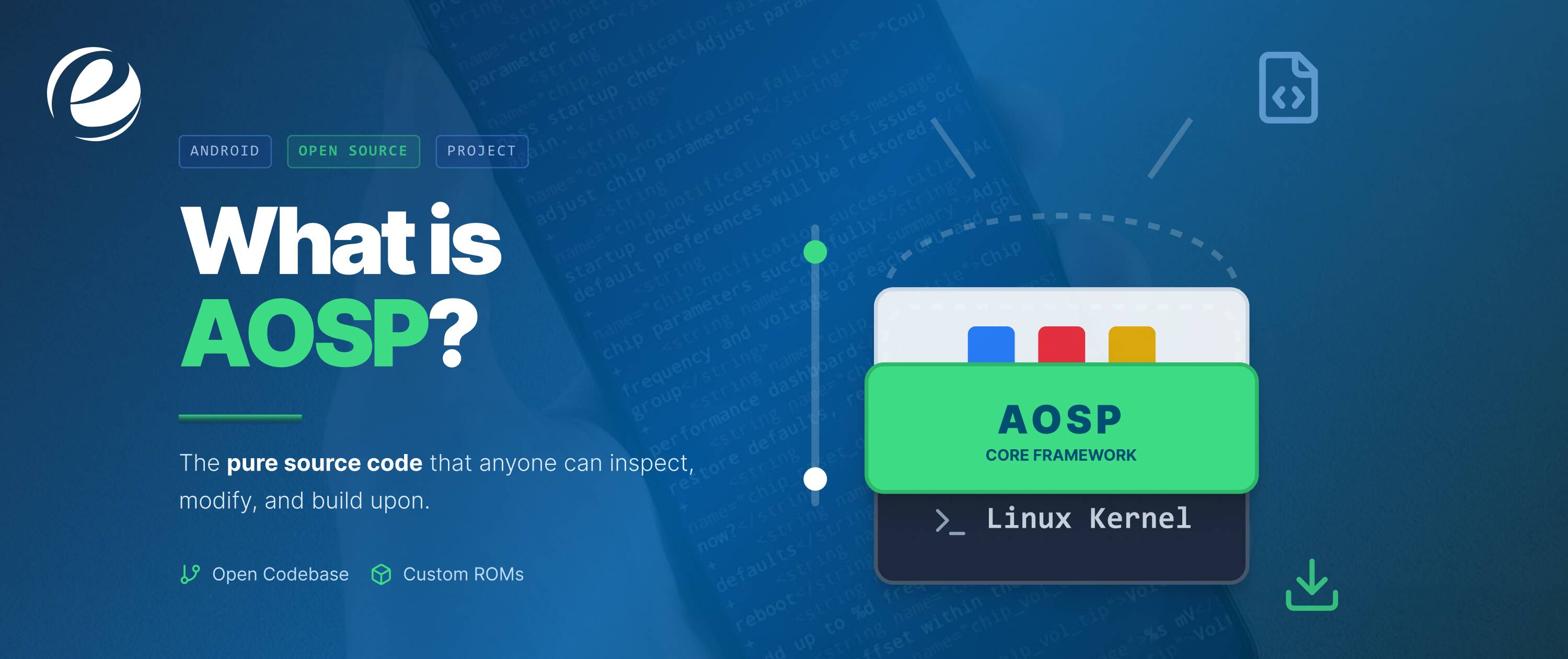
The Android Open Source Project (AOSP) provides Google with its open-source source codebase, which manufacturers such as Samsung use to create their own customized Android versions without paying any licensing fees. The system operates stock Android through devices which include Pixel phones while it hire Android app developers to create applications.
Android’s Standout Features: What Makes It Unbeatable
Android system offers its users many strong features that enable them to use the system for various common activities. What is Android’s edge?
Deep Customization
The users can change their system interface through simple operations that allow them to change their complete visual appearance. The system enables users to modify their entire device interface through home screen and widget changes, which helps users establish their personal productivity system on all device types, from economical models to high-end devices.
Multitasking Mastery
The two techniques enable users to run multiple applications simultaneously without any performance issues. The technology performs exceptionally well under [Android 16 features], which lets users attend to work calls while they search online content, thus helping all busy people who need to save their time.
Google Integration
Users can access Google Assistant, Maps and Drive without any difficulties. The system allows users to perform navigation tasks and generate smart replies through voice commands, while its AI predictions synchronize all operations across their connected devices.
App Ecosystem
Google Play offers more than 3.5 million applications to its users. The platform provides multiple options, which include gaming applications and productivity tools, and specialized programs, thus offering users access to regular security updates that protect their systems.
Battery Optimization
The adaptive battery system extends battery life through its learning capability. Doze mode and app standby cut drain, keeping devices running longer during travel or heavy use.
Privacy Controls
App permissions and Private Space hide sensitive data. Android’s dashboard tracks usage, giving users control over tracking, vital in today’s data-driven world.
Android vs iOS – What’s the Difference?
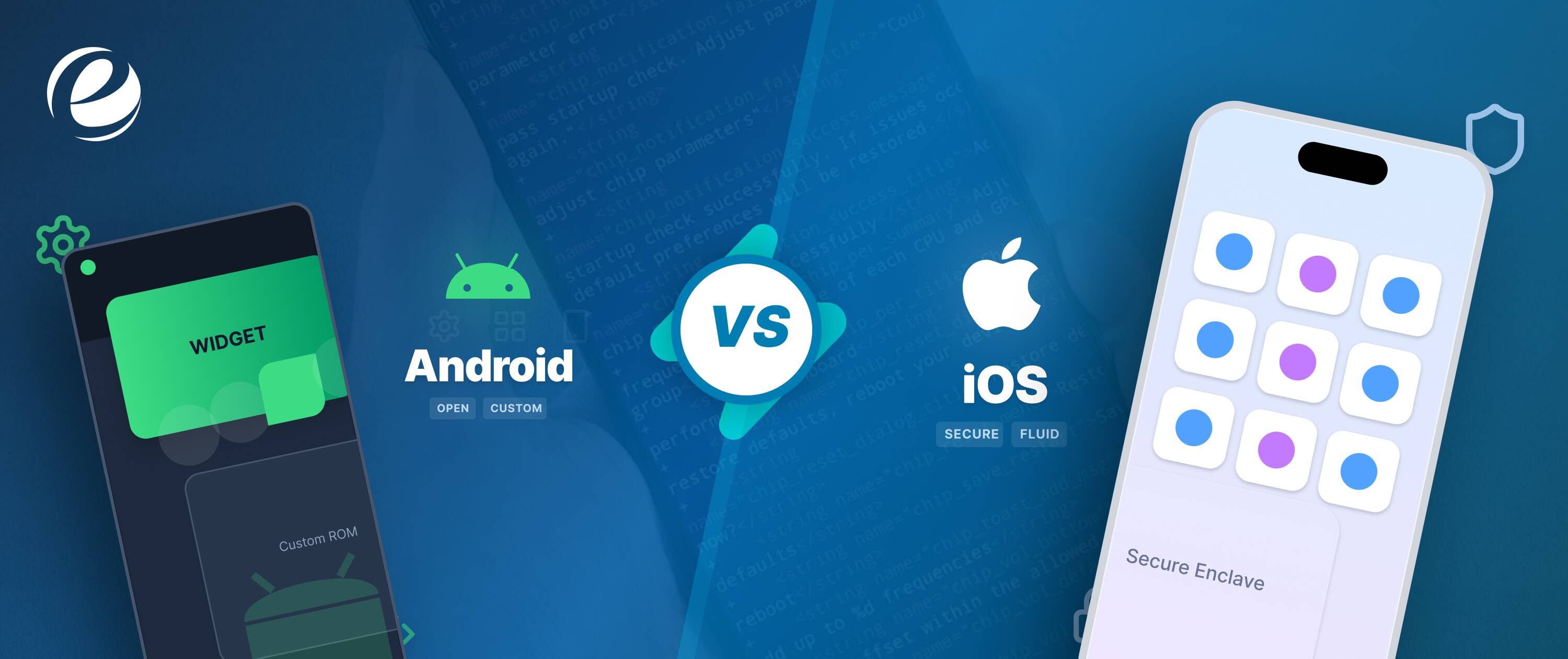
Android vs iOS: Which rules your pocket? These two major platforms provide different user experiences because they offer distinct customization options, pricing structures, and different content delivery systems.
| Aspect | Android | iOS (iPhone) |
| Customization | High: Themes, launchers, widgets galore | Limited: Basic wallpapers, no third-party tweaks |
| Hardware Variety | Budget to premium (Samsung, Pixel, OnePlus) | Apple-only, premium pricing starts high |
| App Ecosystem | 3.5M+ Google Play apps, sideloading easy | 2M+ App Store, stricter approvals |
| Updates | Varies by brand; Pixel gets 7 years | Uniform 6-7 years across all devices |
| Privacy | Scoped storage, permission dashboards | App Tracking Transparency leads |
| Price Range | $100-$2000+ | $800+ premium focus |
| Integration | Google services (Drive, Assistant) | Apple ecosystem (iCloud, FaceTime) |
| File Management | Full access via folders | Restricted sandboxing |
Advantages and Disadvantages of Android
Android provides affordable operating system access together with user-customization options, but its system faces challenges because of multiple device versions.
| Aspect | Advantages | Disadvantages |
| Customization | Full themes, launchers, and widgets for personalization | Risk of bloatware or unstable tweaks |
| Affordability | Budget devices under $200 from multiple brands | Cheaper models may lag in performance |
| Hardware Choice | Vast options (foldables, gaming phones) | Inconsistent quality across manufacturers |
| App Flexibility | Sideloading, 3.5M+ apps, easy updates | Potential malware from unofficial sources |
| Updates | Pixel’s 7-year support; fast for flagships | Delayed or absent on budget/old devices |
| Ecosystem | Google services sync seamlessly | Less polished than Apple’s walled garden |
| Battery & Features | Adaptive optimizations, AI tools in Android 16 | Higher drain on modded or older versions |
| Security | Monthly patches, privacy dashboard | Fragmentation exposes older devices to risks |
How Android Makes Money?
The question asks how Android generates revenue through its free operating system because Google generates billions by using its extensive user base for advertising purposes, which acts as Android’s business method.
Google Play Store Fees
The platform takes a 15-30% commission from app sales, in-app purchases and subscriptions, which generates annual revenue exceeding 48 billion dollars from 3.5 million apps.
Pre-Installed Apps
Device manufacturers establish partnerships with Google to distribute Google apps, which include Search and Maps, through pre-installed software packages that generate advertising revenue from user interactions on their devices.
Advertising Ecosystem
The free applications YouTube and Gmail deliver targeted advertisements, which reach more than 70% of worldwide internet searches and video content views through the AOS.
Licensing Services
Premium Google Mobile Services GMS provides organizations with complete access to all functionalities, which exceeds the standard AOSP package.
Cloud and Enterprise
Companies that use Android Enterprise tools can obtain management services that enable them to control their devices while connecting to Google Workspace.
Is Android Safe?
Yes, Android is safe because of these reasons, which are given below:
Monthly Security Patches
Google provides security updates during the first week of each month, which defend over 3 billion devices against zero-day exploits and other security threats.
Permission Controls
Users can restrict camera and microphone access through detailed app permission settings, which provide them with usage monitoring capabilities.
Google Play Protect
The system examines 125 billion applications each year and prevents 2.28 million dangerous applications from being installed by users.
Scoped Storage
The function of scoped storage restricts applications from accessing user files, which decreases the risk of data breaches that began with Android 10.
Private Space
Android 15 introduces a feature that enables users to store their applications inside encrypted folders, which protects their confidential information from unauthorized access.
What Is Android App Development?
The development process creates Android applications through Java and Kotlin programming tools. The creative aspect of Android development enables users to turn their ideas into products that reach billions of users.
Core Tools Needed
Kotlin is the primary programming language that developers use together with the Android Studio IDE to create software applications. The free software package provides debugging tools and emulator support, which helps both startups and enterprises create prototypes more quickly.
Development Process
The process starts with user interface and user experience design, followed by development of programming logic and final testing on actual devices. Mobile app development needs agile methodologies because they enable developers to complete work in short time periods.
Publishing Steps
Developers create APK/AAB packages, which they send to Google Play for distribution. The developers must adhere to the guidelines that they need to follow for their applications to receive approval. Developers who plan to launch their app must learn how to upload an app to the Google Play Store to ensure a smooth and successful release.
Key Languages
Most applications use Kotlin and Java because they are the main programming languages. The modern programming feature called coroutines makes it easy to develop asynchronous tasks, which helps decrease errors in complicated projects.
Cost Factors
The project costs start at $30k and reach a maximum of $150k, depending on the project requirements. The costs for design work, testing services, and ongoing maintenance expenses need to be considered. Android app development cost information will help you establish your budget for the project.
Final Thoughts
The open-source operating system, which powers billions of devices through Android, functions as its main system. The guide explained its essential elements and historical development from Android 16 to the present day through its main features, which included AI tools and various application development methods.
You have experienced the system’s cost-effectiveness and adaptability through its phone customization options with the Android and iOS comparison. Google generates revenue through its Play Store and advertising system while maintaining its security measures, measures that make the platform trustworthy.
Begin your program development by selecting between Mobile app development or expert services to develop your concept. You can begin your Android exploration tour because the platform will continue to develop in the future.
FAQs
Is Android owned by Google?
Yes, Google owns Android because it purchased Android Inc. in 2005 and now controls its development through AOSP which allows manufacturers to create their own customized versions.
Is Android free?
Yes, the Android operating system exists as free open-source software because Google provides its core system to users and manufacturers without charging them.
What devices use Android?
Android operates on various devices which include Samsung, Xiaomi, and Google Pixel smartphones and tablets, TVs, watches, and cars that support Android Auto.
What is the latest Android version?
Android 16, which Google released in June 2025, introduces artificial intelligence features and enhanced privacy protection. The full details of Android 16 features can be found in the following link.



 +1 (989) 535-9295
 info@emizentech.com
 emizentech


